
Uploaded by
mark-randall
4 SLIDES
150 VUES
40LIKES
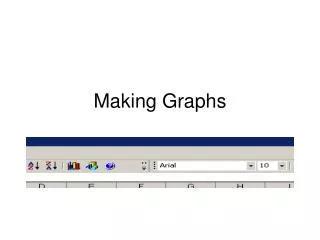
Creating Graphs: Insert Your Data and Highlight with the Graph Wizard
DESCRIPTION
This guide will walk you through the steps of making graphs effectively. Start by inserting your data into a structured table to ensure clarity and organization. Once your data is in place, highlight the key data points that you wish to emphasize in your graph. Finally, utilize the Graph Wizard to transform your data into visually appealing graphs that present your information clearly. Whether you're for reports or presentations, this process will enhance your data visualization skills.
Download
1 / 4
Télécharger la présentation 
Creating Graphs: Insert Your Data and Highlight with the Graph Wizard
An Image/Link below is provided (as is) to download presentation
Download Policy: Content on the Website is provided to you AS IS for your information and personal use and may not be sold / licensed / shared on other websites without getting consent from its author.
Content is provided to you AS IS for your information and personal use only.
Download presentation by click this link.
While downloading, if for some reason you are not able to download a presentation, the publisher may have deleted the file from their server.
During download, if you can't get a presentation, the file might be deleted by the publisher.
E N D
Presentation Transcript















More Related