Download
1 / 2
20 likes | 128 Vues
This guide provides essential tips for creating impactful posters that communicate your message clearly. Emphasizing the importance of clarity, brevity, simplicity, and humanity, the poster design should be visually appealing yet easy to read. Focus on using high-quality RGB or CMYK images relevant to your subject, and avoid cluttering the design with excessive text. Remember to replace placeholders with your program details and logo to personalize your work. Utilize a strong tagline or quote for added emphasis, ensuring your poster resonates with the audience.

E N D
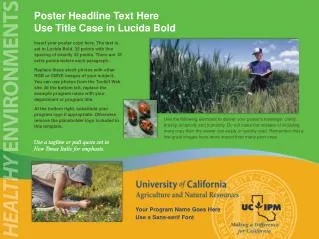
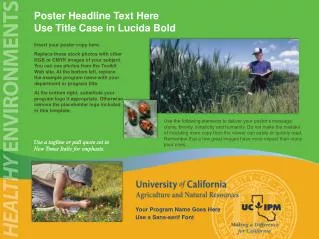
Poster Headline Text Here Use Title Case in Lucida Bold Insert your poster copy here. Replace these stock photos with other RGB or CMYK images of your subject. You can use photos from the Toolkit Web site. At the bottom left, replace the example program name with your department or program title. At the bottom right, substitute your program logo if appropriate. Otherwise remove the placeholder logo included in this template. Use the following elements to deliver your poster’s message: clarity, brevity, simplicity and humanity. Do not make the mistake of including more copy than the viewer can easily or quickly read. Remember that a few great images have more impact than many poor ones. Use a tagline or pull quote set in New Times Italic for emphasis. Your Program Name Goes Here Use a Sans-serif Font
Poster Headline Text Here Use Title Case in Lucida Bold Insert your poster copy here. Replace the stock art and photos with other RGB or CMYK images, charts or figures of your subject. You can use photos from the Toolkit Web site. At the bottom left, replace the example program name with your department or program title. At the bottom right, substitute your program logo brand if appropriate. Otherwise remove the placeholder logo included in this template. Use the following elements to deliver your poster’s message: clarity, brevity, simplicity and humanity. Do not make the mistake of including more copy than the viewer can easily or quickly read. Remember that a few great images have more impact than many poor ones. Use a tagline or pull quote set in New Times Italic for emphasis. Your Program Name Goes Here Use a Sans-serif Font