Download
1 / 4
40 likes | 162 Vues
In this tutorial, we will learn how to create a challenging 5-sided surface in Pro/Engineer. Using a bottle design as an example, I will guide you through simple steps to achieve an excellent patch. Follow along as we create a plane at the end of a curve, insert a planar curve, and build boundary surfaces. You'll find that with these easy-to-follow instructions, creating complex surfaces is more manageable than it seems. This method is demonstrated by Sushanta Das from pLaNeT.sDas.

E N D
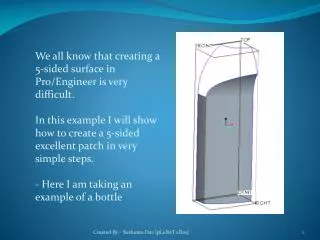
We all know that creating a 5-sided surface in Pro/Engineer is very difficult. In this example I will show how to create a 5-sided excellent patch in very simple steps. - Here I am taking an example of a bottle Created By - Sushanta Das [pLaNeT sDas]
Step 1. Create a plane at the end of curve and normal to curve Step 2. Insert Style, Active the plane and create a planar curve and make normal at the end-point. Created By - Sushanta Das [pLaNeT sDas]
Step 3. Create a 4-boundary surface as shown in image. Step 4. Create a style COS as shown in image and trim the surface. Created By - Sushanta Das [pLaNeT sDas]
Step 5. Again, create a 4-boundary surface as shown in the image. 5-Sided surface is completed. Created By - Sushanta Das [pLaNeT sDas]