Comprehensive AutoCAD Tutorials and Templates for Efficient Learning
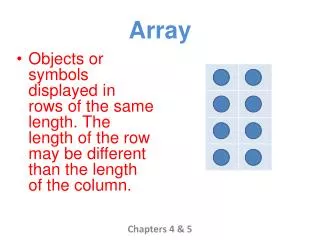
This document contains a complete set of AutoCAD tutorials focused on essential functions, along with template sheets suited for various paper sizes. To start, simply click on the picture to access the tutorial or template in AutoCAD, and choose “save as” to store it in your documents. These resources are designed to help you practice your skills, facilitating rapid improvement in your AutoCAD proficiency. Key topics include Array, Break, Chamfer, Copy, Extend, Fillet, Hatch, Line, Mirror, Move, Offset, Rotate, Stretch, Trim, and Dimensioning (Centre, Linear, Angular) with A4 and A3 templates.

Comprehensive AutoCAD Tutorials and Templates for Efficient Learning
E N D
Presentation Transcript
This document holds all AutoCAD Tutorials for the main functions as well as template sheets for different paper sizes. Click on the Picture to begin the tutorial or template within AutoCAD and “save as” if you want to save to your own documents. Use these to practice your skills and you will see improvement quickly.