Download
1 / 16
160 likes | 289 Vues
Peach GBrowse is a customized instance of the GBrowse genome browser, designed specifically for visualizing and manipulating annotations of the peach genome. Developed by GMOD (Generic Model Organism Database), it provides an interactive web interface for searching by annotation ID, name, or comment. Users can customize track views, zoom in on specific regions, and upload their own annotation files. This tool allows researchers to effectively explore and analyze genomic data, facilitating advancements in peach genomics research.

E N D
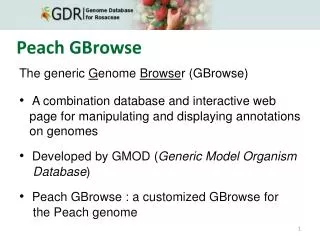
Peach GBrowse The generic Genome Browser (GBrowse) A combination database and interactive web page for manipulatingand displaying annotationson genomes Developed by GMOD (Generic Model Organism Database) Peach GBrowse : a customized GBrowse for the Peach genome
Peach GBrowse Overview Description menus Search Bird’s eye view Details Tracks
Peach GBrowse Search Search by annotation ID, name, or comment Scroll/zoom Regiondisplayed Hide Details (minus-sign) Scroll, zoom Dropdown list OpenDetails (plus-sign)
Peach GBrowseSearch OpenDetails click
Peach GBrowse Tracks remove track (cross-sign)
Peach GBrowseTracks choose tracks you want to see
Peach GBrowse Tracks click
Peach GBrowseTracks Selecting regions with mouse
Peach GBrowse Tracks click
Peach GBrowse Configuring Tracks click Customize your track views
Peach GbrowsePreferences click • “Image Width”
Peach GBrowse Preferences click edit Highlights the specified region and feature
Peach GBrowseReports Download sequences or track data Display settings click click
Peach Gbrowse – Adding your annotations Upload or import your own annotation files
Peach GBrowseTutorial References • http://www.openhelix.com/gbrowse • http://gmod.org/wiki/Gbrowse Acknowledgements • This tutorial was based on the Open Helix Gbrowse 1.6 tutorial which was modified for the peach genome sequence and annotations implemented in GBrowse 2.0