ePerformance
This guide outlines the ePerformance process, focusing on expectation setting, performance conversations, and assessment methods throughout the year. It details how employees can access ePerformance via Axess to update their job responsibilities, goals, and competencies. Consistent ratings are emphasized, along with available resources, training, and technical support for managers and employees. For further assistance, contact the designated administrators from various departments. This structured approach ensures effective performance management and employee development.

ePerformance
E N D
Presentation Transcript
Agenda • ePerformance Process Overview • Accessing ePerformance • Application Overview • Enhancements • Resources Photo: Wikimedia Commons
ePerformance Process Overview 1 Expectation Setting Performance Conversations Throughout Year (iterative process) 3 2 Performance Assessment
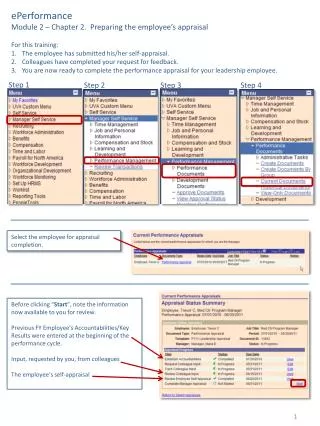
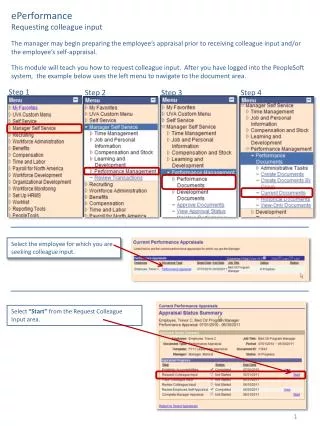
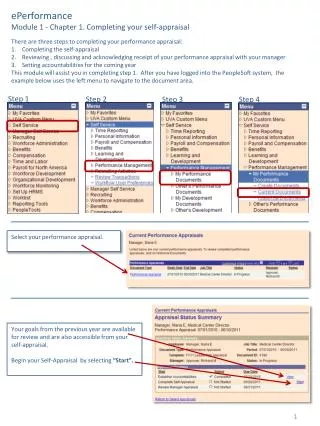
Accessing ePerformance Manager login to Axess to initiate evaluation for employee Employee login to Axess to view/update job responsibilities, goals and competencies, as needed
ePerformance Overview Employees will be reviewed on: • Job Responsibilities • Goals • Competencies
ePerformance Overview Consistent Ratings • Manager completes assessment
Resources • Performance Management Resources Website ePerformance job aids for managers/supervisors and employees Online demo/training Competency definitions Training for new managers/supervisors • Technical Support: By Administrative Systems through HelpSU Request Category: select Administrative Applications Request Type: select ePerformance • Process Support: Business Affairs: Dawn Freeman, 736-9751 @ freemand@stanford.edu DAPER: Caroline Song, 725-5144 @ csong5@stanford.edu VPSA: Jill Polintan, 725-0295 @polintan@stanford.edu LBRE: Russ Whiteford, 725-1721 @russw@bonair.stanford.edu SoM: Norma Leavitt, 725-5136 @ nleavitt@stanford.edu