
Java Programming Methods Overview: Use, Create, Pass Information & Scope Rules
E N D
Presentation Transcript
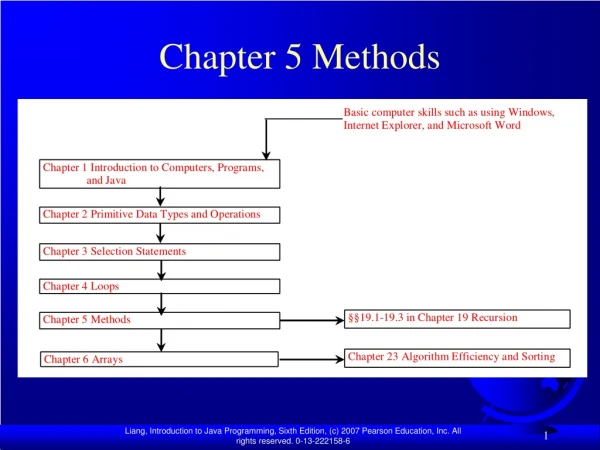
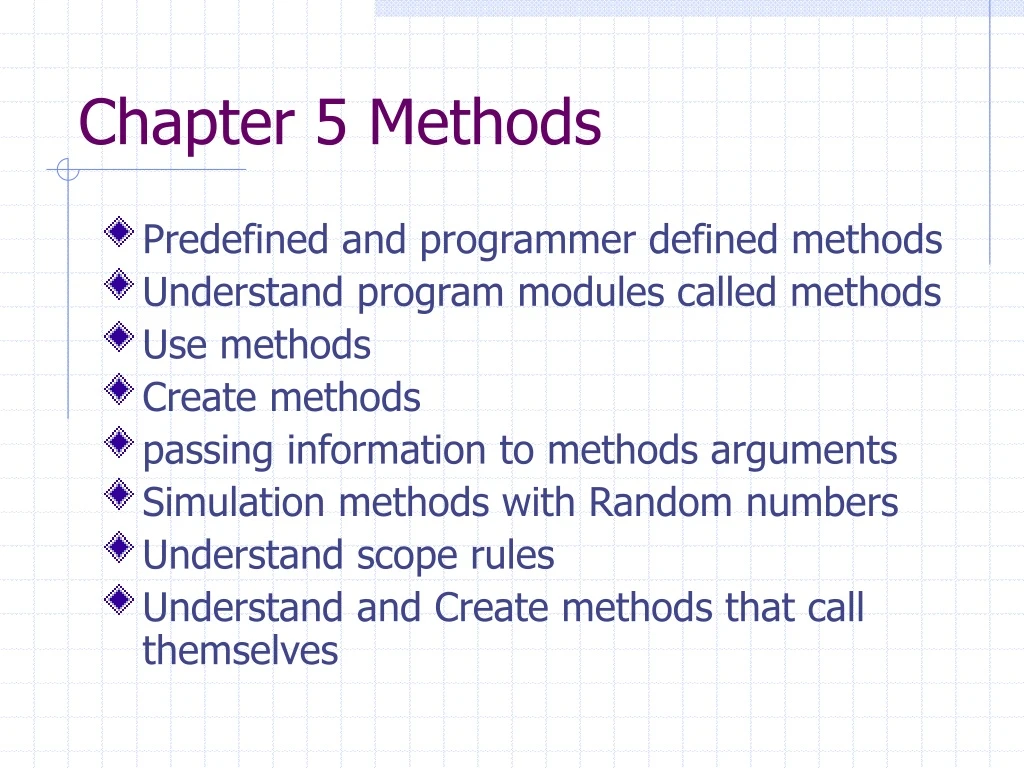
Chapter 5 Methods • Predefined and programmer defined methods • Understand program modules called methods • Use methods • Create methods • passing information to methods arguments • Simulation methods with Random numbers • Understand scope rules • Understand and Create methods that call themselves
Modularization • What is the value of modularization? • Part of the step-wise refinement technique we discussed earlier. • Divide and conquer • Reuse-Don’t reinvent the wheel • Problem simplification
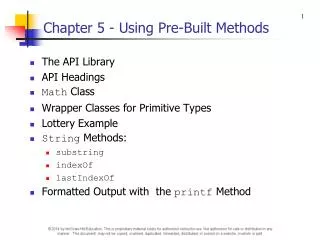
Java’s predefined classes and methods • The Math class • System.out.print (Math.sqrt(900) ) • we pass information into Methods through the arguments. • for example 900 is a literal argument value. • This method return a number that is a common way to pass information out of a method. • Note the “.” member access operator
Calling a method is kind of like the boss • The boss gives a work assignment to a worker. • The boss also gives the worker some information to use in the work assignment. The arguments (900) • The worker does the job, while the boss waits idle. • Then the worker passes back the result to the boss.
Other math class methods A = Math.abs(-10) will store 10 in the variable A • abs(x) • ceil(x) • cos(x) • exp(x) • floor(x) • log(x) • max(x,y) • min(x,y) • pow(x,y) • sin(x) • tan(x)
Static class members • Static methods • Static variables • Compared to instance variables • Note the space invaders anology
Making our own classes and methods (Programmer Defined) • Use already made classes whenever possible. • Reference the API documentation before creating a new class • Sometimes easier said then done. • Methods should perform a single well defined task. • Method names should we actions like “paint” “draw” “run” “computeTotals” • Should be able to be viewed on 1-2 screens
Method declarations public float square(float x) { return x*x; } • Must be declared inside of a class • using the method in our program • System.out.println( x + “ squared is “ + square(x) );
general form of method declaration Header or Interface Modifiers returntype methodname(parameters 1,2,3…) { declarations and statements return value; // this is optional } • return value type is required but may be void • a return statement must be used unless the return type is void. • A type is required for each parameter • Arguments are passed to the method and stored in the method parameters by value. • Arguments are order associated. Body or implementation
Passing variables • The formal argument vs the actual argument • Primitive data types vs reference data types (used by objects and arrays)
Argument promotion • the automatic conversion of arguments to satisfy the declared type requirement of the method declaration. • For example • square(4); -or- square(x); • X or 4 is an integer literal value and will be promoted to a float when passed to the square function. • This is limited by the promotion rules already discussed. We can promote implicitly when going to a larger storage class for example float to double. but not the other way.
Java packages • java.applet • java.awt • java.awt.event • java.io • java.lang • java.net • java.text • java.util • javax.swing • javax.swing.event
Random numbers? • Computer are not random thinkers. • Sometimes we need random thinking for simulations or games. • So Math.random() • return a pseudorandom number of type double from 0.0 to < 1.0 • we can range this value by multiplying and adding constants. • dice role=(int)(Math.random()*6) +1;
Final variables • final double PI = 3.1415; • final float taxrate = 0.06; • These are used to define variables whose values can not be changed in the program. • Was initialized a final variables value can not be changed. • Using final variables make programs easier to maintain and read.
Variable scope • scope of method parameter is limited to the method in which it is declared • local variable scope is limited to the point in the code where the variable is defined until the end of the code block. • the scope of a for loop variable declared in the loop head is limited to the for loop • the scope of a label is limited to the body of the label code block. • The scope of a method or class field name is limited to the entire class.
Method overloading • overloaded methods have the same name but a different number and type of parameters • for example • int min(int x, int y) • int min(int x, int y, int z) • double min(double x, double y)
recursion • when a method calls itself this is recursion. • Hu? is that legal? Yep!!! • for example int factorial(int f) { if (f<=1) return 1 else return (factorial(f-1)*f); } Here is the recursive part!!!
recursion pros and cons • recursion can allow for intuitive solutions to certain types of problems specifically those that are based on a recursive definition. • A base case is required as the stopping point for the recursion to work. Without this out programs could have serious errors. • Recursion is typically higher overhead then non-recursive solutions. • An iterative solution can replace any recursive solution and provide better performance.
Chapter 5 MethodsSummary • Modularization in Java • The Math class and its methods • Method declaration • Argument promotion • Java packages • Random numbers? • Declaration scope • Method overloading • Recursion vs iteration
Homework • Problems 6,10 on page 277-278