Exploring Web Design with Photoshop: My Year 9 Experience
In my Year 9 IT class, I engaged in web design and photo editing using Photoshop. I cropped an image and experimented with vertical panel effects, which transformed my photo in creative ways. My knowledge of Photoshop includes various techniques for manipulating images, like liquifying them for fun and applying artistic filters. I discovered how to create unique visuals through effects like glass and watercolor. This project enhanced my skills and deepened my appreciation for digital media and photography.


Exploring Web Design with Photoshop: My Year 9 Experience
E N D
Presentation Transcript
Brayden James Hammond Year 9 - IT Web Design
I cropped a page • yay
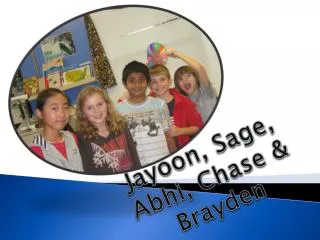
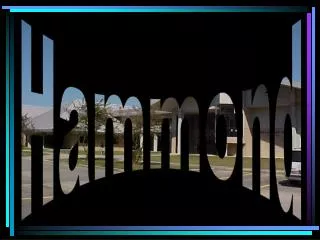
This is a picture of me that has been affected by the vertical panels affect.
Things I know about Photoshop • There are a lot of things I know about Photoshop because Media and Photography you can liquify things to make them funny looking*. You can also do some other things by clicking on filter then artistic then any of the options. By doing that you open a window which you should and could affect things like glass affect and water colour etc.. *
Three Photos I Edited For TaskI learnt how to do panels affect and that is it because I already know how to do this kind of thing.