SlideServe
Menu
Préférences
© SlideServe · v2026

Comprehensive Guide to Library Services and Support

nam avatar
27 diapositives · 417 Views · Sep 30, 2014

Discover all that the Learning Centre offers to enhance your academic success. Our helpdesks provide assistance for information retrieval, assignment support, and IT issues with computers and printers. Learn how to create a library PIN for accessing electronic material, borrowing books, renewing items, and making photocopies. Don't forget to utilize our self-service machines and online resources. Find borrowed books, prescribed literature, and more with detailed guidance available at our library website. Your academic resources await!
Comprehensive Guide to Library Services and Support - slide 1
01 / 27Comprehensive Guide to Library Services and Support
1 / 17

Télécharger la présentation

Comprehensive Guide to Library Services and Support
Une image / un lien ci-dessous est fourni (tel quel) pour télécharger la présentation

Politique de téléchargement : le contenu du site vous est fourni TEL QUEL pour votre information et votre usage personnel ; il ne peut être vendu, concédé sous licence ni partagé sur d’autres sites sans l’accord de son auteur.Le contenu vous est fourni TEL QUEL, pour votre information et votre usage personnel uniquement. Téléchargez la présentation en cliquant sur ce lien. Lors du téléchargement, si vous ne parvenez pas à télécharger une présentation, l’éditeur a peut-être supprimé le fichier de son serveur.Pendant le téléchargement, si vous ne parvenez pas à obtenir une présentation, le fichier a peut-être été supprimé par l’éditeur.

F I N

Plus de contenu associé

Transcription de la présentation
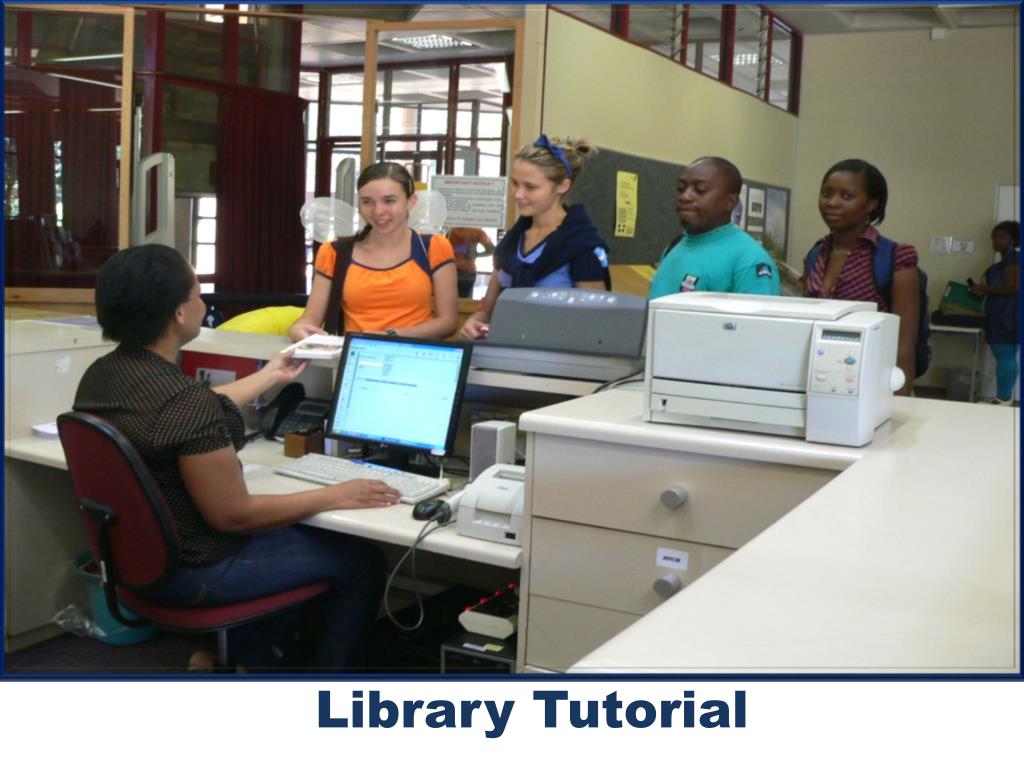
  1. Library Tutorial

  2. Learning centre

  3. The helpdesks are specifically to assist you with all your information needs. • We can help you to find information for an assignment • We do individual and group training when needed. • The staff at the two IT helpdesks can assist you with all the problems you experience with the computers and printers in the Learning Centre.

  4. How to create a PIN code

  5. Go to the library website: http://www.library.up.ac.za Library pin code Click on My library record on My library record

  6. Click on request a new PIN

  7. Type student / staff no. in and Submit

  8. A link will be send to your student email

  9. Click on link to create PIN Click on link to change PIN

  10. Enter a PIN Change PIN code Use the PIN for access to all electronic library material

  11. How to find books

  12. How to find a collection of journals(Journal Platforms)

  13. How to find old exam papers

  14. Borrow library books • Undergraduate students • 6 Books 14 days • Find more information at:http://www.library.up.ac.za/circulation/borrow.htm • You are not allowed to take out • Booksthat have NOT been issued to you • Books with an “N” in front of the class number

  15. Renewals • Library material may be renewed 5 times • Use one of the following methods: • Online via My Library Record • Telephonically 012 420 2235 • At the circulation counters of the libraries

  16. How to make photocopies & print

  17. Printing and Photocopying

  18. Procedure • Self-service photocopy machines and printers are available • To be able to make photocopies and to print, register an account with Xerox and deposit money on you student/ personnel card • PIN numbers: Each client with a Xerox account will be able to register a pin number for photocopy and printing purposes. • Simply swipe your student/personnel card through the card reader at the photocopy machine, and enter your pin number (4 digits) • Follow the instructions on the screen next to photocopy machine. In case you forget your password, it can be reset by Xerox. FOR PRINTING USE ONLY YOUR STUDENT NUMBER WITHOUT THE S WHEN THE POPUP SCREEN APPEARS AS WELL AS YOU XEROX PIN CODE (4 DIGITS)

  19. A4 Black and white .40A4 Coloured 2.23Binding 6.00 Pay with Tuksmobi TRANSFER MONEY WITH YOUR CELL

  20. Register via your cell phone on www.tuksm.mobi Deposit funds into the TuksMobi ABSA bank account:Account number: 40 7703 3735 Branch code: 335545 Reference Number: Your student number Shop ‘till you drop!

  21. Prescribed books

  22. Prescribed books • It is expected of students to buy their own prescribed books. • Limited copies of prescribed and recommended books are however available in the Study collection. • Borrow prescribed books for two hours at a time • Books can be issued overnight but only two hours before the library closes. These books must be returned immediately when the library opens the next day • A fine of R5 per hour will be charged per book for late returns • Library material issued to an individual becomes the responsibility of that person

  23. Online prescribed books

  24. Type course code in e-Reserve Collection

  25. Click on Title to open e-Reserve

  26. Type Student no. or Personnel no. in Enter PIN code

  27. Read full text of prescribed book