How to Create Videos Easily Using Animoto
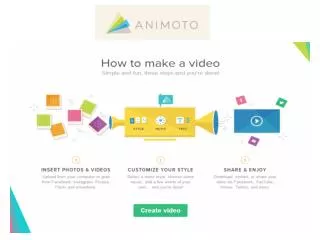
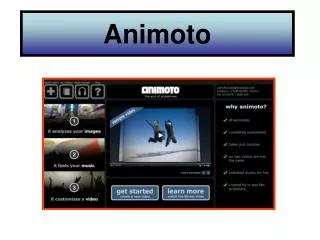
Learn how to make stunning videos with Animoto in just a few simple steps. Start by visiting www.animoto.com and signing up for a free account. Provide the necessary information and select 'Get Started.' Choose your preferred video style, then upload your photos and select a song from the provided options or upload your own. Finally, hit 'Create Video' and wait a few moments for your masterpiece to load. Enjoy your new video creation, ready to share with friends and family!

How to Create Videos Easily Using Animoto
E N D
Presentation Transcript
How to use animoto. Type www.animoto .com in your address.
Select sign up (it’s free) • Provide the information required. • Select get started. • It will ask you to select your video style • Add/upload your photos • Upload or chose a song provided • Select create video • And just wait a few moments for it to load. • Your all done!