Exploring Image Processing in MATLAB: Interactive Questions and Answers
This lecture slide set by Dr. Cynthia Lee from UCSD introduces programming in MATLAB with a focus on image processing concepts. Through practical exercises, participants will work with image segmentation and color manipulation using the `imread`, `imshow`, and array indexing functions. The slides include interactive questions about code segments that utilize an example image ('rainbow.jpg'), helping learners grasp the fundamentals of MATLAB while visualizing their coding results. Ideal for students and educators in computer science.

Exploring Image Processing in MATLAB: Interactive Questions and Answers
E N D
Presentation Transcript
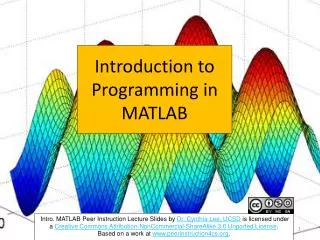
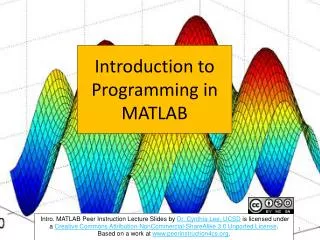
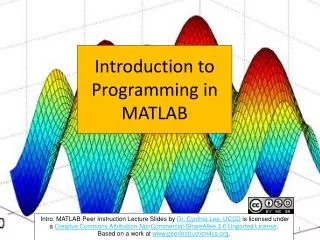
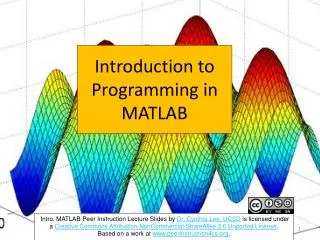
Introduction to Programming in MATLAB Intro. MATLAB Peer Instruction Lecture Slides by Dr. Cynthia Lee, UCSD is licensed under a Creative Commons Attribution-NonCommercial-ShareAlike 3.0 Unported License.Based on a work at www.peerinstruction4cs.org.
Which image results from the following code segment: >> im = imread('rainbow.jpg');>> part = im(1:floor(end/2),1:end,:);>> imshow(part) a) c) b) d) e) None/other/error
Which image results from the following code segment: >> im = imread('rainbow.jpg');>> part = im(1:floor(end/2),floor(end/2)+1:end,:);>> imshow(part) a) c) b) d) e) None/other/error
RGB color reference Which image results from the following code segment: >> im = imread('rainbow.jpg'); >> im(1:floor(end/2),1:floor(end/2),1) = 0; >> imshow(im) a) c) b) d) e) None/other/error
Which code segment takes the image on the left and transforms it to the image on the right? >> im = imread('rainbow.jpg'); >> z = zeros(size(im(:,:,1))); >> cat(3,im(:,:,1),z,z); >> imshow(ans) >> im = imread('rainbow.jpg'); >> z = zeros(size(im(:,:,1))); >> cat(3,z,im(:,:,2),z); >> imshow(ans) >> im = imread('rainbow.jpg'); >> z = zeros(size(im(:,:,1))); >> cat(3,z,z,im(:,:,3)); >> imshow(ans) a) c) b) d) None/other/error RGB color reference