Essential Principles of Web Creation: Planning, Content, and File Management
This training guide introduces the fundamental principles of web creation, emphasizing the importance of planning, content focus, and logical navigation. Learn to design websites that are accessible to all users by utilizing alt tags and optimizing for lower screen resolutions. Discover key terminology such as HTML, root folders, and local site management. Understand the process of uploading your site to a web server using FTP. This guide is perfect for beginners looking to establish a strong foundation in web design and development.

Essential Principles of Web Creation: Planning, Content, and File Management
E N D
Presentation Transcript
Introduction to Web Creation iMet Tool Training
Basic Principles • Have a plan • Focus on the content and communication • Make navigation logical and consistent • Design for everyone- use alt tags to comply with ADA- design for lower resolutions (800x600) • Practice clean file management
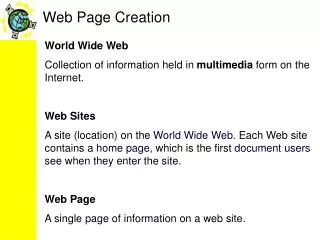
Terminology • HTMLHypertext Markup Language • HTML FileA web page built from HTML • Index FileThe home or main page of a web site or folder in a web site (index.html) • Root FolderMain folder for all files and folders • Sub FolderAdditional folders within a root folder
Terminology (cont.) • Local SiteSeries of folders storing a web site’s files on a local computer – housed in the root folder • Web ServerRemote location for saving and distributing web site files to the www • Remote SiteMatching folders and files for a web site on a web server
Going Remote • A web site lives “locally” in a “root” folder on your hard drive • A web site available online has a “remote” matching root folder on a web server • We use FTP (File Transfer Protocol) in Dreamweaver to upload your local site to the remote folder on the iMet server.