Managing Resource Commitments: Budget, Effort, and Subaccount Changes in MUD
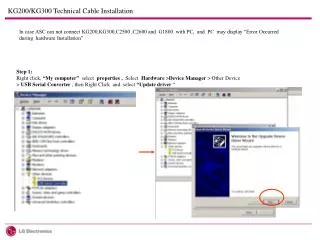
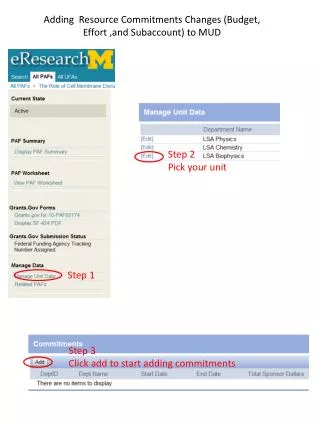
This guide outlines the process for adding resource commitments in MUD, focusing on budget, effort, and subaccount modifications. Begin by selecting your unit in Step 2, then follow Steps 1 and 3 to complete the process. Use the PAF Budget View and MUD Subaccount View to monitor your changes. The guide also covers accessing the PAF Effort and MUD Effort Views to track effort-related commitments. Ensure accuracy and completeness in your resource management tasks by following these steps.

Managing Resource Commitments: Budget, Effort, and Subaccount Changes in MUD
E N D
Presentation Transcript
Adding Resource Commitments Changes (Budget, Effort ,and Subaccount) to MUD Step 2 Pick your unit Step 1 Step 3 Click add to start adding commitments
The PAF Budget View The MUD Subaccount View
The PAF Subaccount View The MUD Subaccount View
The PAF Effort View The MUD Effort View