Flash Animation Using Linear Transformations
This guide explores linear transformations in Flash animation, focusing on translation, rotation, and scaling. You'll learn how to apply these transformations to objects within a frame, understand the mathematical basis, and see practical applications in animation. Discover how to sequence transformation increments within a designated time frame to create smooth movement. With the help of ActionScript, automate your transformations to enhance your animation workflow. Perfect for beginners and seasoned animators alike, this resource brings dynamic visuals to life!

Flash Animation Using Linear Transformations
E N D
Presentation Transcript
Flash Animation Using Linear Transformations By Kevin Hunter Marcus Yu
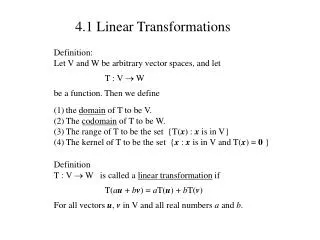
Linear Transformations • A transformation of matrix A from Rn Rm is called a linear transformation. • Example: This shows that A transforms v into
Translation • Designate an object to a square frame. • Assign the translation matrix to correspond to a set point in the frame. • Since nothing is being done to it yet, it will look like an identity matrix. • Apply the translation to the matrix by adjusting the a and b value of the following matrix: • The a value corresponds to the x value • The b value corresponds to the y value
Application of Translation b Any kind of picture inside this square frame a Any kind of picture inside this square frame
Rotation • Designate a point within the frame of the object to be the axis of rotation. • Attach a vector from the point of rotation to the top left corner of the frame. • Apply the rotation to the vector.
How to calculate the rotation • If we want to rotate the picture counter clock wise by 45o: • Input 45 to the θ of the matrix:
Scaling • Designate an object to a square frame. • Since nothing is being done to it yet, it will look like an identity matrix. • Apply the scaling to the matrix by adjusting the x and y value of the following matrix: • The x value corresponds to the object’s x ratio size • The y value corresponds to the object’s y ratio size
Combining Translation, Rotation, and Scaling Translation & Scaling Original Rotation Final Product of all 3
Element of Time in Animation • Animation is movement created through sequences of images linked together in a time frame. • FPS: Frames per Second • In order to create movement using matrices, you have to sequence increments of the translation and rotation within a set time frame. • Divide the total translation and rotation into smaller pieces and place them into the appropriate frames.
With a little help from Flash… • Flash’s ActionScript language allows the matrices to be coded to automatically apply the desired transformation over a period of time. • Coded properly, the computer ends up doing most of the calculations internally.