Creating an Artistic Website with Dreamweaver: A Step-by-Step Guide
This guide offers a detailed walkthrough for developing a visually striking website using Dreamweaver. It covers everything from setting up a navigation bar and creating an interest page to organizing your site files into dedicated folders. You'll learn how to establish a stylish index page template, incorporate header images, and create rollover effects for enhanced interactivity. Perfect for artists looking to showcase their work online, this resource ensures your website not only functions well but also has a professional and appealing design.

Creating an Artistic Website with Dreamweaver: A Step-by-Step Guide
E N D
Presentation Transcript
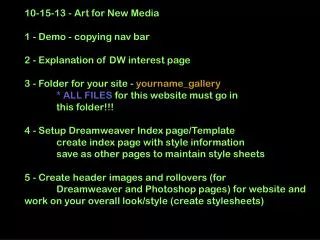
10-15-13 - Art for New Media1 - Demo - copying nav bar 2 - Explanation of DW interest page 3 - Folder for your site - yourname_gallery* ALL FILES for this website must go in this folder!!!4 - Setup Dreamweaver Index page/Template create index page with style information save as other pages to maintain style sheets5 - Create header images and rollovers (for Dreamweaver and Photoshop pages) for website and work on your overall look/style (create stylesheets)