Download
1 / 2
20 likes | 147 Vues
Discover how to easily enroll in the Health Savings Account (HSA) program online at www.MCBenefits.org. Simply log into www.myCafeteriaPlan.com after June 15th to make your HSA enrollment choices. For assistance with banking agreements or any questions, reach out to Customer Service at (937) 865-6500 or (800) 865-6543. Our representatives are available Monday to Friday, from 8 AM to 8 PM Eastern Time. You can also email inquiries to Customer_Service@myCafeteriaPlan.com for quick support.

E N D
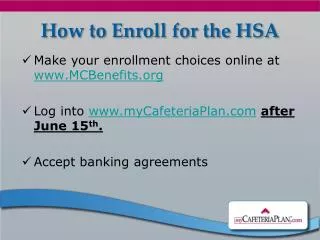
How to Enroll for the HSA • Make your enrollment choices online at www.MCBenefits.org • Log into www.myCafeteriaPlan.comafter June 15th. • Accept banking agreements
Customer Service • (937) 865-6500 or (800) 865-6543 • Monday – Friday, 8am - 8pm Eastern Time • Via Email: Customer_Service@myCafeteriaPlan.com