Download
1 / 31
310 likes | 449 Vues
This guide explores the intricate world of motherboards and CPUs, detailing critical components such as interfaces, connectors, and performance metrics. It delves into the significance of motherboards as hubs for data exchange and their compatibility with various processors. We discuss the importance of choosing the right chipset for optimal functionality, covering features like dual-channel RAM, USB support, and integrated ports. Additionally, we explain CPU clock speeds, the role of caches, and advancements in transistor technology. Perfect for enthusiasts and professionals alike!

E N D
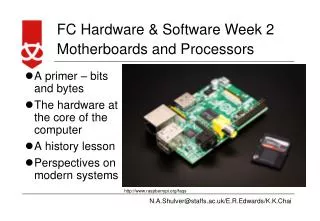
Motherboards and CPUs Management Information Systems Reference: graphics and models are taken from web sources.
An interface connects two hardware devices. An interface can consist of controllers with built-in software, cables, etc.
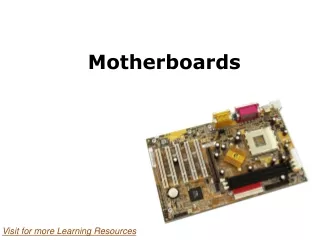
Buying motherboards… • Mostly produced in Taiwan • Microstar, Asus, Epox, Soltek… • Figure out compatibility with processor • Decide for latest chipset for max. functionality • Typically: • USB version 2.0. • Dual channel RAM. • Support for 400 and 533 MHz DDR2 RAM. [lately 667Mhz] • Integrated Firewire ports. • Serial ATA. • Surround sound. • Gigabit Ethernet.
Extra Facilities… • Built-in RAID controllers or SCSI controller • Other network screen and sound facilities • Wireless LAN [802.11a/b/g] • SmartCard / MemoryStick /etc. readers.
Technology • Millions of transistors • Connected through ultra thin electronic tracks • Width of track – 0.09 and 0.06 microns (micrometer) • Important to cool – (consumes 50-120 Watts)
Caches • Ram is slower [533 or 677Mhz as compared to CPU] • L1, L2, and L3 caches are used. • CPU typically is only utilizing 35% of clock ticks. • remedy against “bottleneck”. • Latency!!!
Multiprocessors • Xeon, Opteron (64 bit) • 2,4, or even 8 • Typically used as servers but can work as powerful workstations • Special version of software to take advantage of the capability.