Interactive Assessment Tool - Page Navigation and Question Formats
Explore our interactive assessment tool which guides users through a series of questions. On each page, users can navigate via 'Next' buttons and get detailed descriptions for each component by clicking on them. The tool features multiple question formats, including multiple-choice, matching, and fill-in-the-blank questions. Users can select their answers and submit to receive instant feedback indicating whether their choice was correct or incorrect. This user-friendly interface facilitates effective learning and assessment.

Interactive Assessment Tool - Page Navigation and Question Formats
E N D
Presentation Transcript
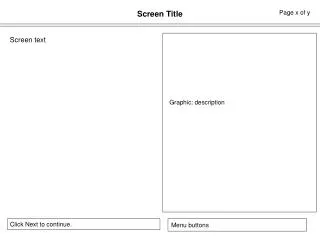
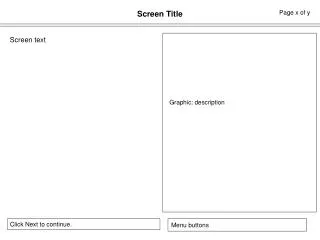
Screen Title Page x of y • Screen text Graphic: description Click Next to continue.
Screen Title Page x of y Click each component for more information. Menu buttons
MC Question Page x of y • Question • Answer • Answer • Answer • Answer Submit Correct feedback or Incorrect feedback Select your answer and click Submit. Menu buttons
Matching Question Page x of y • Question • Term • Term • Term • Term • Description • Description • Description • Description Submit Correct feedback or Incorrect feedback Select your answer and click Submit. Menu buttons
Fill in the Blank Question Page x of y • Question (include blank space for answer) Submit Correct feedback or Incorrect feedback Select your answer and click Submit. Menu buttons