Download
1 / 8
Reset Internet Banking Transaction Password Online | Simple Steps
80 likes | 100 Vues
Reset your Internet Banking transaction password easily with your ATM card linked to your account. All you require is your card details and registered mobile number to receive OTP. Follow the steps to reset your password.

Télécharger la présentation 
Reset Internet Banking Transaction Password Online | Simple Steps
An Image/Link below is provided (as is) to download presentation
Download Policy: Content on the Website is provided to you AS IS for your information and personal use and may not be sold / licensed / shared on other websites without getting consent from its author.
Content is provided to you AS IS for your information and personal use only.
Download presentation by click this link.
While downloading, if for some reason you are not able to download a presentation, the publisher may have deleted the file from their server.
During download, if you can't get a presentation, the file might be deleted by the publisher.
E N D
Presentation Transcript
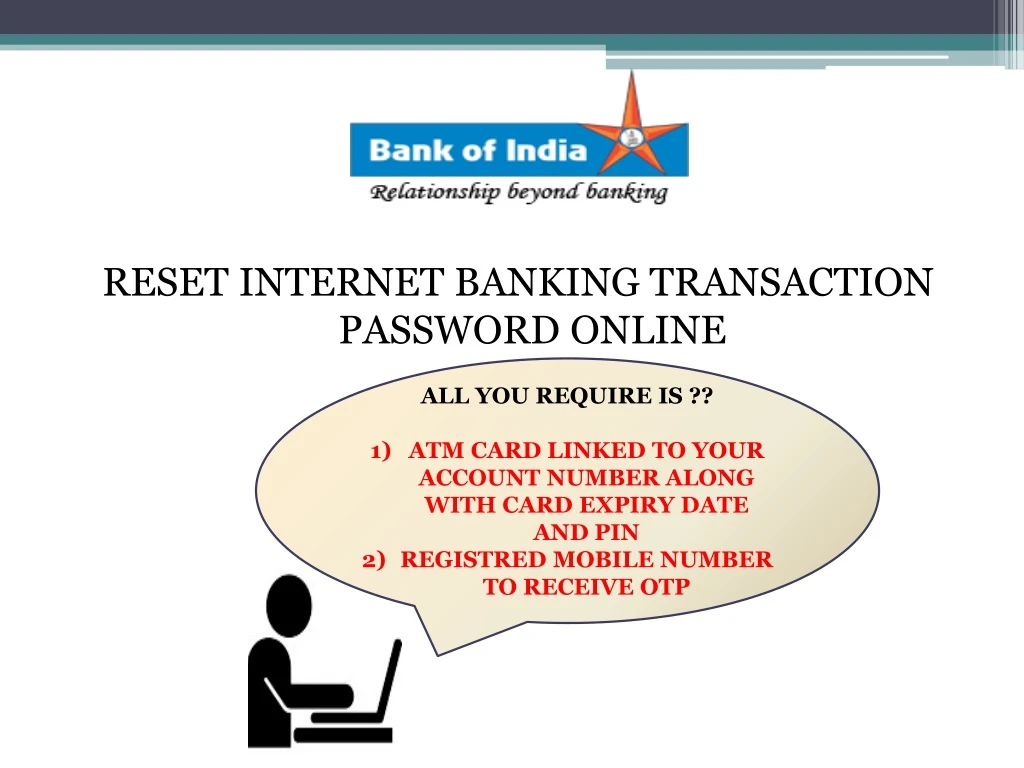
RESET INTERNET BANKING TRANSACTION PASSWORD ONLINE ALL YOU REQUIRE IS ?? ATM CARD LINKED TO YOUR ACCOUNT NUMBER ALONG WITH CARD EXPIRY DATE AND PIN REGISTRED MOBILE NUMBER TO RECEIVE OTP
Enter OTP received on your registered mobile number and click on continue
Select the debit card from drop down and enter the expiry date(yymm format) and PIN of ATM card z
Enter and Re-enter new Internet Banking transaction password
SMS received for confirmation of successful setting of transaction password






More Related