Download

1 / 6
60 likes | 72 Vues
If you want to import your bank transactions in QuickBooks then you can do it by using CSV or QBO file

E N D
Import Bank Transactions into QuickBooks https://uberaudit.com/
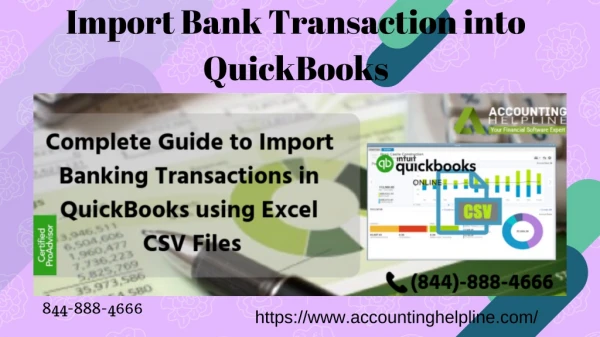
If you want to import bank transactions into QuickBooks by using Excel CSV files, here we are going to explain how you connect your bank account to QuickBooks automatically.
Steps to Import Transaction Automatically with Excel Step 1: Locate your Bank Step 2: Locate your Bank Step 3: Join Bank Accounts to Chart of Accounts Step 4: Selecting the Right Date Range Step 5: Review Downloaded Transactions in the Banking Center
Import Bank Transactions with CSV files with a Tool kit The CSV toolkit contains ● Import from Excel and CSV Manual- means a PDF document with instructions for best practice and notes CSV example folder-for sample CSV files, one for each type of list. XLS example folder-a sample Excel file containing worksheets, one for each type of list. Allowed field-a reference guide explaining what fields are available for Excel and CSV import. ● ● ●
Steps to install the QuickBooks Import Excel and toolkit ● ● ● ● ● ● ● ● ● ● Open file download window for the toolkit. Select the save button. Go to your Windows Desktop, then select Save button. Double click on the QuickBooks Import Excel and CSV.exe on your Windows desktop To open the WinZip Self-Extractor window. Select the Browse button. And then choose the folder where you want to install the toolkit, then OK. To Select Unzip and to extract the contents, And then click Close to the WinZip Self-Extractor window. Open the QB import excels file.