Getting Started with GeneEvolve: A Practical Guide for Genetic Simulation
30 likes | 128 Vues
This guide provides a step-by-step approach to using GeneEvolve for genetic simulations. Learn how to set up your environment, run initial scripts, and analyze the results of genetic variation across multiple generations. Discover the impact of different mating strategies, such as social homogamy, on genetic outcomes. Engage with various models, like the Classical Twin Design (CTD) and the Nuclear Twin Family Design (NTFD), to explore fascinating genetic traits and their inheritance patterns.


Getting Started with GeneEvolve: A Practical Guide for Genetic Simulation
E N D
Presentation Transcript
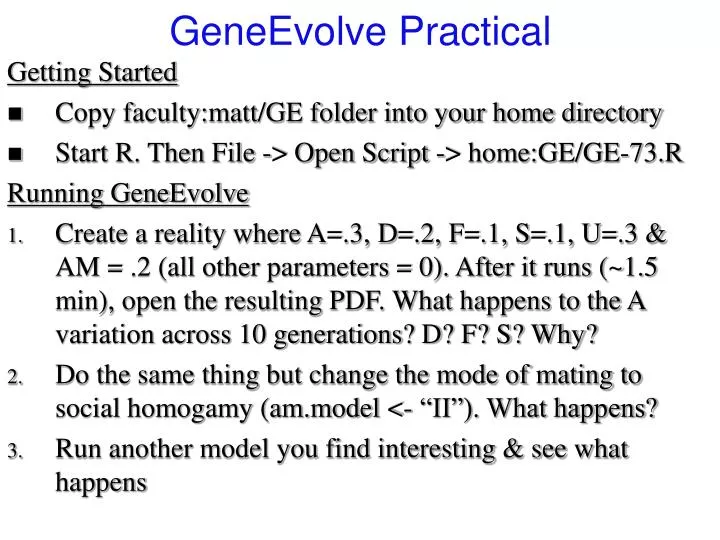
GeneEvolve Practical Getting Started • Copy faculty:matt/GE folder into your home directory • Start R. Then File -> Open Script -> home:GE/GE-73.R Running GeneEvolve • Create a reality where A=.3, D=.2, F=.1, S=.1, U=.3 & AM = .2 (all other parameters = 0). After it runs (~1.5 min), open the resulting PDF. What happens to the A variation across 10 generations? D? F? S? Why? • Do the same thing but change the mode of mating to social homogamy (am.model <- “II”). What happens? • Run another model you find interesting & see what happens
1 A A 1/.25 C C E E a a c c e e D D d d PT2 PT1 Classical Twin Design (CTD) GE.Twin_ADE.mx
Nuclear Twin Family Design (NTFD) w w q q A A F F x x S S E E f f a a s s e e D D d d PFa PMa µ m m m m 1 A A F F 1/.25 S S E E f a a f s s e e D D d d PT2 PT1 Note: m estimated and f fixed to 1 NTF.mx