Testing nRF905 Functionality and Light Sensor Integration on OpenSensors
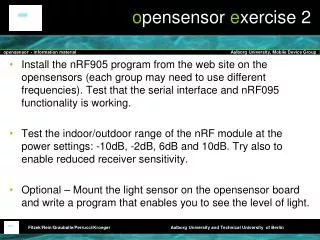
This project involves installing the nRF905 program on the OpenSensors platform, with groups potentially using different frequencies. Key tasks include testing the serial interface and nRF905 functionality, and examining the indoor/outdoor range of the nRF module across various power settings (-10 dB, -2 dB, 6 dB, and 10 dB). Participants can also experiment with enabling reduced receiver sensitivity. An optional task involves mounting a light sensor on the OpenSensor board and programming it to display light levels.

Testing nRF905 Functionality and Light Sensor Integration on OpenSensors
E N D
Presentation Transcript
opensensor exercise 2 • Install the nRF905 program from the web site on the opensensors (each group may need to use different frequencies). Test that the serial interface and nRF095 functionality is working. • Test the indoor/outdoor range of the nRF module at the power settings: -10dB, -2dB, 6dB and 10dB. Try also to enable reduced receiver sensitivity. • Optional – Mount the light sensor on the opensensor board and write a program that enables you to see the level of light.