Download
1 / 9
90 likes | 255 Vues
To access the Fee Detail Process for admissions at SNDT Digital University, visit [sndt.digitaluniversity.ac](http://sndt.digitaluniverisity.ac). Log in using your User ID and Password. If you haven't received your credentials, please contact the DU SNDT Team. Start by clicking on "Admission" and then "Search Student." Enter your Admission Form No. and click "Search." Next, fill in the Fee Details and select the submitted documents, then click on "Proceed." For editing student data, refer to the selected box with available links. Follow the same process for other students.

E N D
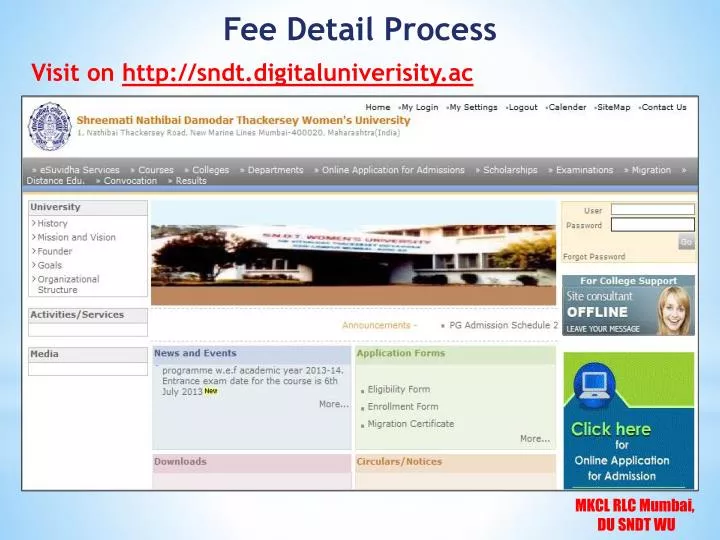
Fee Detail Process Visit on http://sndt.digitaluniverisity.ac
Enter Fee Detail Process Login using User ID & Password Note: If you have not received user ID & Password. Please contact DU SNDT Team for the same.
Enter Fee Detail Process Click on Admission
Enter Fee Detail Process Click on Search Student
Enter Fee Detail Process Entered Admission Form No. Click on Search
Enter Fee Detail Process Click on Enter Fee Details
Enter Fee Detail Process Enter Fee Details Select Submitted Documents Click on Proceed
Edit Student Data:- Selected rectangular box has all the links as per the subtitle mention which can be edited as per requirement Note: follow the same process for other students also