Enhancing Education Through Interactive Video and Distance Learning
Experience the future of education with interactive video and two-way distance learning. This innovative approach allows students to engage in virtual field trips, dual credit courses, and sharing of teachers across multiple sites. Key equipment includes codecs, monitors, microphones, and network connectivity. Join us to learn how to successfully sign up for virtual field trips and utilize technology effectively with tips and tricks for a seamless experience. Contact Mike Campbell for more information and take a step towards 21st-century learning.

Enhancing Education Through Interactive Video and Distance Learning
E N D
Presentation Transcript
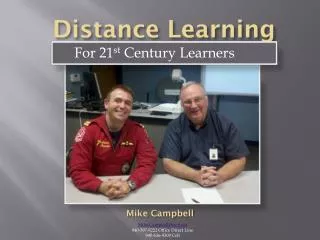
Distance Learning Mike Campbell Mike.Campbell@esc9.net 940-397-8222 Office Direct Line 940-636-9309 Cell For 21st Century Learners
Distance LearningToday… • What is Interactive Video/2-way distance learning • How will it help my students • What equipment is involved • The Process of signing up for a VFT • Tips and Tricks for a successful trip.
What is Interactive Video/2-way distance learning? • Able to see and hear on each end of the connection • Multiple sites can be connected • Multiple views
How will it help my students? • Virtual Field Trips • Dual Credit Courses • Vernon College • Ranger College • North Central Texas College • Cisco College • Sharing of Teachers • Teacher Inservice
How will it help my students? • Virtual Field Trips • Dual Credit Courses • Sharing of Teachers • Teacher Inservice
What equipment is involved? • Codec • Remote • Microphone • Monitors/Projectors • Network Connectivity • MCU
Tips and Tricks for asuccessful trip • Register Early • Check with local techie for availability • Test if it hasn’t been used lately • Play with equipment before the connection • Move the camera • Set audio levels • Check lighting
Mike Campbell Mike.Campbell@esc9.net 940-397-8222 Office Direct Line 940-636-9309 Cell