
Navigating TurboTax Options: Step-by-Step Guide
This guide provides a concise overview of navigating four key options within the TurboTax menu. Each section highlights important features and steps to optimize your tax filing experience. Whether you’re new to TurboTax or looking for a refresher, this structured approach will help you efficiently move through the options available, ensuring a smooth tax preparation process. Each of the four options is explored in brief, making it easy to follow and implement.

Navigating TurboTax Options: Step-by-Step Guide
E N D
Presentation Transcript
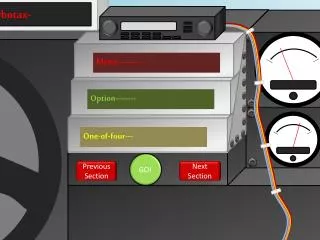
Turbotax- Menu---------- Option-------- One-of-four--- GO! Previous Section Next Section
Turbotax- Menu---------- Option-------- Two-of-four--- GO! Previous Section Next Section
Turbotax- Menu---------- Option-------- Three-of-four- GO! Previous Section Next Section
Turbotax- Menu---------- Option-------- Four-of-four-- GO! Previous Section Next Section