Automated Analysis from Multiple Simulation Files
This tool automates the analysis of multiple simulation files, providing options for examining Regular Waves, Random Seas (including Rainflow analysis), and Spectral Analysis for screening. Results are exported to Excel, featuring a Damage Summary that highlights excessive values and comprehensive details of all simulation files, S-N data, and control parameters. Users can evaluate various stress components, analyse sections for Stress Concentration Factors, and explore relationships between Tension vs. Axial and Curvature vs. Bending stresses. Ideal for researchers analyzing umbilicals and similar structures.
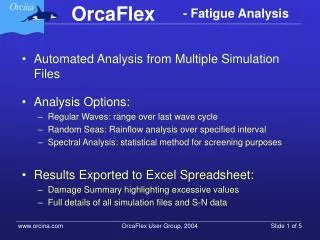

Automated Analysis from Multiple Simulation Files
E N D
Presentation Transcript
Automated Analysis from Multiple Simulation Files • Analysis Options: • Regular Waves: range over last wave cycle • Random Seas: Rainflow analysis over specified interval • Spectral Analysis: statistical method for screening purposes • Results Exported to Excel Spreadsheet: • Damage Summary highlighting excessive values • Full details of all simulation files and S-N data
Control Parameters • Load Cases: • List of simulation files and associated occurrences • Stress Components: • Set of stress values to be evaluated and analysed
Line Data • Sections to be analysed: • Stress Concentration Factor • S-N Curve • S-N Data: • Parameters • Tabular • Units
Run Options • Check • On-line: • Saving results • Batch: • Saving .ftg files
Analysing Complex Structures (Umbilicals) • Manufacturer’s Input: • Tension v. Axial Stress Relationship • Curvature v. Bending Stress relationship • OrcaFlex Input: Extracted from Static Results: • Stress Diameters • Tensile Load Factor • Bending Load Factor