
Uploaded by
sani
1 SLIDES
149 VUES
10LIKES
How to Use Paperclip Functionality for File Attachments
DESCRIPTION
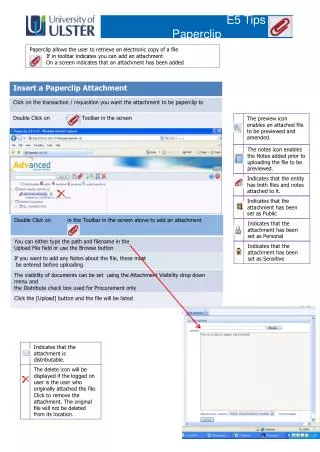
The Paperclip feature allows users to easily manage file attachments within their documents. When the Paperclip icon appears in the toolbar, it indicates that you can add an attachment. Once an attachment is added, the screen will display a confirmation of its presence. This efficient tool simplifies file management, making it easier to retrieve electronic copies of important files while keeping your work organized and accessible.
Download
1 / 1
Download Presentation

Télécharger la présentation
How to Use Paperclip Functionality for File Attachments
An Image/Link below is provided (as is) to download presentation
Download Policy: Content on the Website is provided to you AS IS for your information and personal use and may not be sold / licensed / shared on other websites without getting consent from its author.
Content is provided to you AS IS for your information and personal use only.
Download presentation by click this link.
While downloading, if for some reason you are not able to download a presentation, the publisher may have deleted the file from their server.
During download, if you can't get a presentation, the file might be deleted by the publisher.
E N D
Presentation Transcript
E5 Tips – Paperclip Paperclip allows the user to retrieve an electronic copy of a file If in toolbar indicates you can add an attachment On a screen indicates that an attachment has been added
More Related

Audio
Live Player