Download

1 / 11
110 likes | 120 Vues
To keep your business and finances safe in 2021, we spoke to risk-management specialist Mark Ou2019Reilly from Aust Brokers to discover 7 proven ways to protect your small business against cyber attacks.

E N D
?? Why would a cyber criminal want to target my small business?
Cyber criminals are likely to target your business for one of the following reasons: • Hold your data ransom in exchange for money 2. Steal your business’ data to sell to others 3. Access your bank accounts or finances and steal funds Let's Talk on Solution !!
1 Educate your team about cyber security “It’s a mistake to think your technical levels of security are your most important” explains Mark, “what’s equally important, if not more so, are the steps you take to educate your staff and team.” Cyber-vigilant team members are your best line of defence against cyber attacks. This can be as simple as a clear IT security policy that’s regularly checked and signed by all staff members, through to ongoing training to keep your data safe. • Does your team know how to spot a social engineering scam? • Does your team know how to spot a fraudulent email? • Does your team know how to spot a phishing attack? If your employees can spot threats and know how to protect information, you’ll already have an advantage from the start.
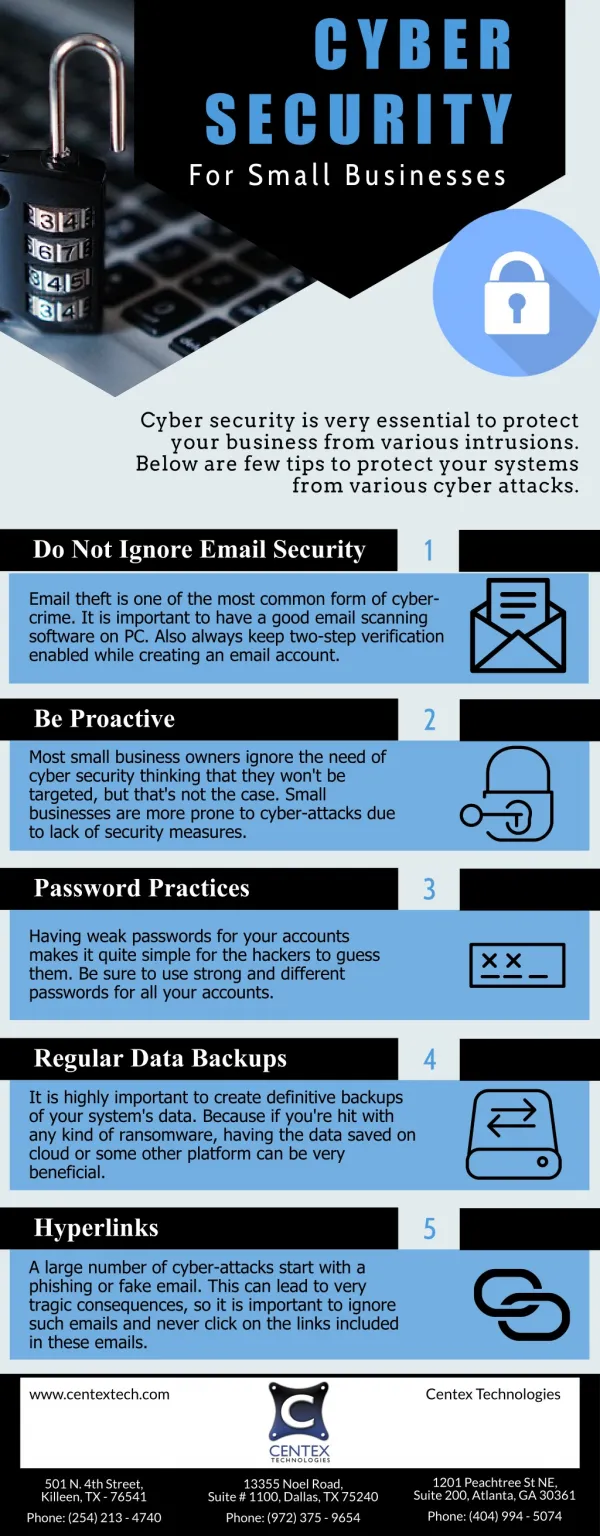
2 Don’t settle for ‘password’ as your password • Setting passwords can be a chore, especially with so many online tools, accounts and business software requiring you to come up with a password. • The WORST decision possible is to opt for a standard password across all entry points (especially if it’s along the lines of ‘password’ or ‘1234’). In fact, a study of the top 10 most popular passwords of 2020 showed over two million people used ‘123456’ as their password. • Wherever your small business data is concerned, whether it’s banking, employee information or business-related data, opt for strong passwords.
3 Use a password protection system • Struggling to remember all your passwords? • The WORST decision possible is to opt for a standard password across all entry points (especially if it’s along the lines of ‘password’ or ‘1234’). In fact, a study of the top 10 most popular passwords of 2020 showed over two million people used ‘123456’ as their password. • Wherever your small business data is concerned, whether it’s banking, employee information or business-related data, opt for strong passwords.
4 Invest in IT security • As Mark explains, it’s better to be proactive rather than reactive. You can fight technology with technology to provide additional layers of protection against cyber attacks. • Though there are many additional areas where IT security spending can be applied, including: • Wireless Security • Endpoint Security • Advanced Malware Protection • Access and Authentication • Data Protection • Monitoring and Analytics • Of course, it’s always important to measure the risk against the cost.
5 Back up your data regularly • With millions of dollars lost every year to cyber-attacks, it’s not pessimistic to adopt an attitude of “when” rather than “if”. • Whether it’s an email containing a virus that was accidentally opened, or a targeted attack that’s trying to extort money out of you for the return of data, regular snapshots of your system mean you won’t lose your valuable data when you need it most.
6 Apply custom security solutions to suit your website • Every website builder comes with its own weaknesses that need strengthening. • WordPress, as the most popular Content Management System (CMS) powering 35% of the world’s websites,is particularly attractive to hackers because there are so many WordPress sites to target. If your website is built on WordPress you should be applying specific WordPress security provisions, whether through plugins or installing an SSL Certificate. • The same applies to websites built through Joomla or Drupal - it’s worth looking into plugins and custom security features to protect your specific website.
7 Consider cyber insurance • Cyber insuranceis a booming industry thanks to the rise of scams targeting both small and large Australian businesses. • “This could be as innocuous as clicking the wrong link in an email” says Mark, “to cyber criminals accessing your data and changing invoice details so you inadvertently pay the wrong individuals.” • There are many forms of cyber insurance with different coverage levels, for example some plans may cover you if someone hacks into your system but not if you accidentally let someone into your system - such as a telephone scam where you believe you’re speaking to Telstra or Optus.
Cyber protection isn’t just great for your bank account. It’s also great for your SEO Learn More: https://seoassassin.com.au/