Collaborate
Discover Blackboard Collaborate, an interactive web conferencing system designed for education. With features like audio and text chat, video profiles, whiteboard applications, and file sharing, it facilitates engaging online learning experiences. Support various learning styles, eliminate the need for travel, and enable guest lectures through recorded sessions. Ideal for tutorials, lectures, group work, and mentoring, this tool fosters learning communities while minimizing environmental impact. Join us to explore effective participant engagement strategies.

Collaborate
E N D
Presentation Transcript
Introductions Tom Bowring Blended Learning Staff Developer
What is Collaborate • Web Conferencing system designed with Education in mind • Audio & Text Chat • Video or Still Picture profile
Collaborate So what’s New? How many here knew that it was available? Stand alone product
Collaborate Imageattribution: By James Mahoney (1810-1879) (Scanned by Simsalabim) [Public domain], via Wikimedia Commons
Collaborate Imageattribution: ByJeanotderivativework: Jugatsumikka (^o^) appelezmoiJu (^o^) (Uncle_Sam_(pointing_finger).jpg) [Publicdomain], viaWikimediaCommons
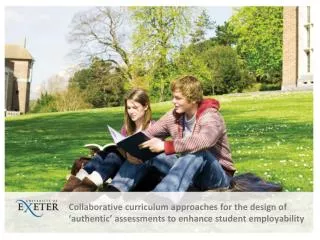
Some Benefits • Supports multiple learning styles • Building learning communities • Negates need to travel • Guest lecturers • Sessions can be recorded • Minimises environmental impact Image attribution: Anne Burgess [CC-BY-SA-2.0 (http://creativecommons.org/licenses/by-sa/2.0)], via Wikimedia Commons
Some Uses • Tutorials and study sessions • Lectures / Workshops • Guest lecturers • Student presentations • Group work • Mentoring • Virtual office hours • School / Course / Unit meetings
What do you need • Internet connection • Modern web browser • Java • Headset with Microphone • Webcam
Want to know more • Designing for participant engagement with Blackboard Collaborate • Author Peter Chatterton
Questions What else would you like to know?
End of Session Please fwd any enquiries to: Tom Bowring 9852 5192 t.bowring@uws.edu.au