Download
1 / 3
30 likes | 139 Vues
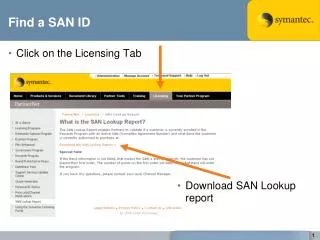
This guide provides step-by-step instructions on how to find your SAN ID and Renewal ID. First, locate your SAN ID by clicking on the Licensing tab and downloading the SAN Lookup report. Next, refresh your licensing details by downloading your Renewal ID and checking the Renewal ID Status in the same Licensing section. Input your Renewal ID to access the latest information. Ensure you follow these instructions to manage your licensing effectively.

E N D
Find a SAN ID • Click on the Licensing Tab • Download SAN Lookup report 1
Find a SAN ID • Download
Find a Renewal ID • Click on the Licensing Tab and select ‘Renewal ID Status’ • Enter Renewal ID