Download
1 / 7
70 likes | 195 Vues
Follow this comprehensive guide to download and install Office components on your Windows. You'll learn how to add essential add-ins, adjust Internet Explorer security settings, and enable cross-domain access. This tutorial includes steps for accessing trusted sites, modifying security settings under the Miscellaneous section, and ensuring a smooth browsing experience. Whether you are setting up a new system or troubleshooting existing installations, this guide covers everything you need for a seamless integration of Office with your web browsing capabilities.

E N D
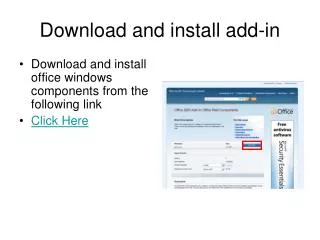
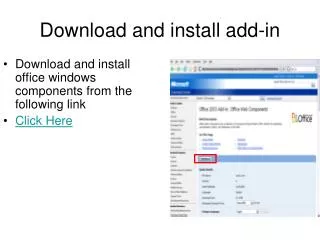
Download and install office windows components from the following link Click Here Download and install add-in
Reopen Internet Explorer Go to tools – internet options Under security tab Trusted sites (green check mark) and then underneath that click on sites Change Security Settings
In the top part type in: http://www.rpi.edu Uncheck the button at bottom that states “require server verification (https:) for all sites in this zone Click add close Change Security Settings
Click on the Custom Custom Level Button Change Security Settings
Approximately Halfway down under Miscellaneous Change access sources across domains to ENABLE Then click ok Change Security Settings
After clicking OK in the custom security settings Click OK Reopen the browser Change Security Settings
Proceed to the Tutorial presentation for an overview of the website. The Website