Interactive Seating Chart Tool for Teachers
Easily move desks and enter student names with this interactive seating chart tool. Manage classroom layout and student information effortlessly. CBT instructions included.

Interactive Seating Chart Tool for Teachers
E N D
Presentation Transcript
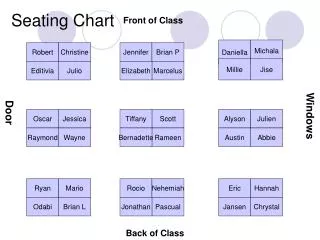
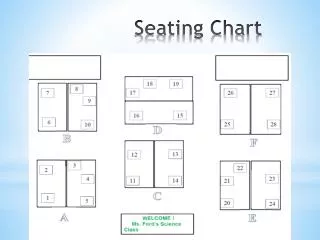
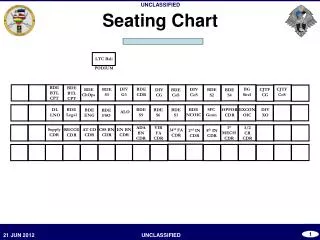
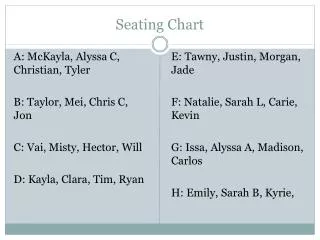
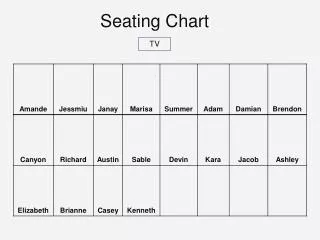
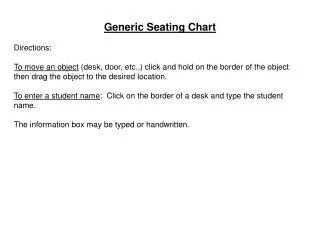
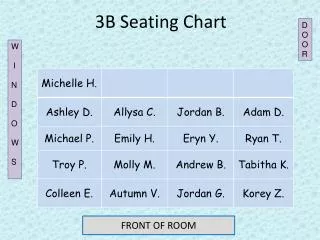
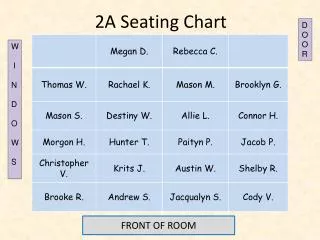
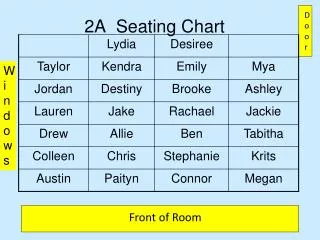
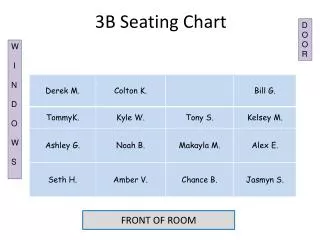
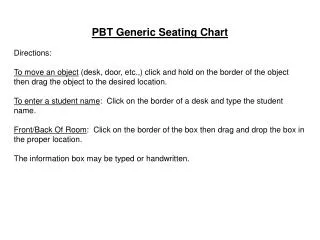
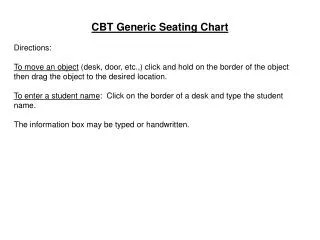
CBT Generic Seating Chart Directions: To move an object (desk, door, etc.,) click and hold on the border of the object then drag the object to the desired location. To enter a student name: Click on the border of a desk and type the student name. The information box may be typed or handwritten.
Teacher’s Desk School Test Administrator Proctor(s) Test Group Code Grade(s) Room Name/# Date Starting Time CBT ONLY! Session Name In Pearson Access Subject Door