1 / 10
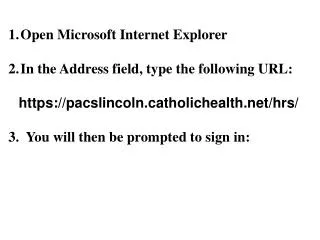
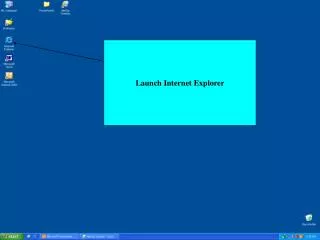
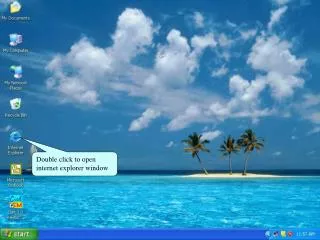
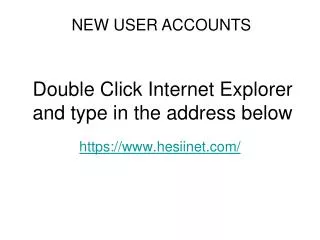
Double Click Internet Explorer and type in the address below
100 likes | 228 Vues
NEW USER ACCOUNTS. Double Click Internet Explorer and type in the address below. https://www.hesiinet.com/. Click – Take my Exam. Choose “I do not have an Evolve Username”. Click “Register for Reach Testing and Remediation”. Click “Register”.
Télécharger la présentation
Double Click Internet Explorer and type in the address below
An Image/Link below is provided (as is) to download presentation
Download Policy: Content on the Website is provided to you AS IS for your information and personal use and may not be sold / licensed / shared on other websites without getting consent from its author.
Content is provided to you AS IS for your information and personal use only.
Download presentation by click this link.
While downloading, if for some reason you are not able to download a presentation, the publisher may have deleted the file from their server.
During download, if you can't get a presentation, the file might be deleted by the publisher.
E N D
Presentation Transcript
NEW USER ACCOUNTS Double Click Internet Explorer and type in the address below https://www.hesiinet.com/
Required information – First, last, e-mail, school name, estimated graduation date and program type
FINDING ‘HESI HELP’ FOLDER • ON ALL COMPUTERS in the Paramount Testing Center at the Center for Allied Health and Nursing of El Centro College 301 N. Market Street Room P112 Dallas, TX 75202 5tests@dcccd.edu

More Related