
Uploaded by
teagan-powers
1 SLIDES
76 VUES
10LIKES
PowerPoint 2013 Content Guidelines Update
DESCRIPTION
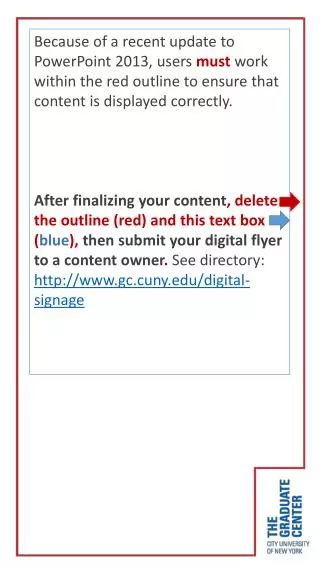
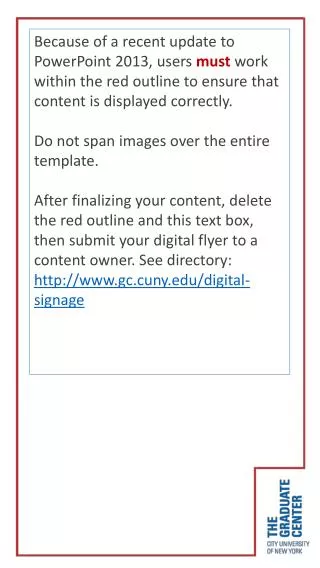
Follow the red outline to ensure content displays correctly in PowerPoint 2013. Remember to delete the outline and text box before submitting your digital flyer. Visit http://www.gc.cuny.edu/digital-signage for details.
Download
1 / 1
Télécharger la présentation 
PowerPoint 2013 Content Guidelines Update
An Image/Link below is provided (as is) to download presentation
Download Policy: Content on the Website is provided to you AS IS for your information and personal use and may not be sold / licensed / shared on other websites without getting consent from its author.
Content is provided to you AS IS for your information and personal use only.
Download presentation by click this link.
While downloading, if for some reason you are not able to download a presentation, the publisher may have deleted the file from their server.
During download, if you can't get a presentation, the file might be deleted by the publisher.
E N D
Presentation Transcript
Because of a recent update to PowerPoint 2013, usersmustwork within the red outline to ensure that content is displayed correctly. After finalizing your content, delete the outline (red) and this text box (blue),then submit your digital flyer to a content owner. See directory: http://www.gc.cuny.edu/digital-signage

More Related