Download
1 / 1
10 likes | 133 Vues
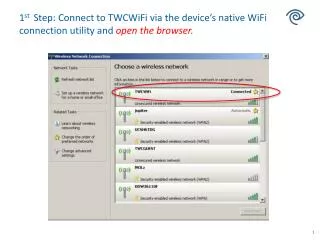
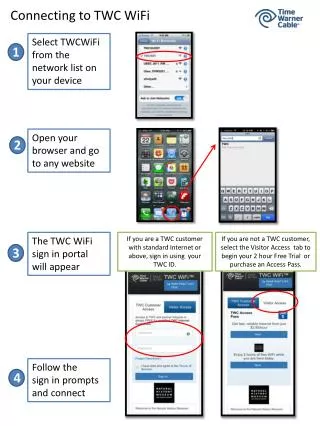
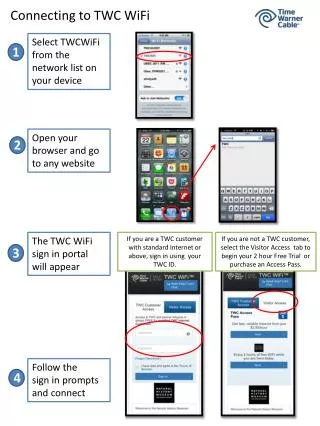
Connecting to TWC WiFi is simple. Start by selecting 'TWCWiFi' from your device's available networks. Once connected, open your browser to any website, and the TWC WiFi sign-in portal will appear. If you're a TWC customer with standard Internet or higher, log in with your TWC ID. If you're not a customer, choose the Visitor Access tab to start a 2-hour free trial or purchase an access pass. Follow the prompts to complete the connection and enjoy browsing!

E N D
Connecting to TWC WiFi Select TWCWiFi from the network list on your device 1 Open your browser and go to any website 2 The TWC WiFi sign in portal will appear If you are a TWC customer with standard Internet or above, sign in using your TWC ID. If you are not a TWC customer, select the Visitor Access tab to begin your 2 hour Free Trial or purchase an Access Pass. 3 Follow the sign in prompts and connect 4