SlideServe
Menu
Préférences
© SlideServe · v2026

Transitioning to Python Configurations in CMSSW

van avatar
8 diapositives · 219 Views · Aug 16, 2014

Learn why and how CMSSW is switching from .cfg, .cfi, and .cff to Python equivalents in version 2.1.0, offering syntax benefits, ease of editing, and seamless C++ integration. Explore the syntax changes and tools available for the transition process.
Transitioning to Python Configurations in CMSSW - slide 1
01 / 8Transitioning to Python Configurations in CMSSW
1 / 17

Télécharger la présentation

Transitioning to Python Configurations in CMSSW
Une image / un lien ci-dessous est fourni (tel quel) pour télécharger la présentation

Politique de téléchargement : le contenu du site vous est fourni TEL QUEL pour votre information et votre usage personnel ; il ne peut être vendu, concédé sous licence ni partagé sur d’autres sites sans l’accord de son auteur.Le contenu vous est fourni TEL QUEL, pour votre information et votre usage personnel uniquement. Téléchargez la présentation en cliquant sur ce lien. Lors du téléchargement, si vous ne parvenez pas à télécharger une présentation, l’éditeur a peut-être supprimé le fichier de son serveur.Pendant le téléchargement, si vous ne parvenez pas à obtenir une présentation, le fichier a peut-être été supprimé par l’éditeur.

F I N

Plus de contenu associé

Transcription de la présentation
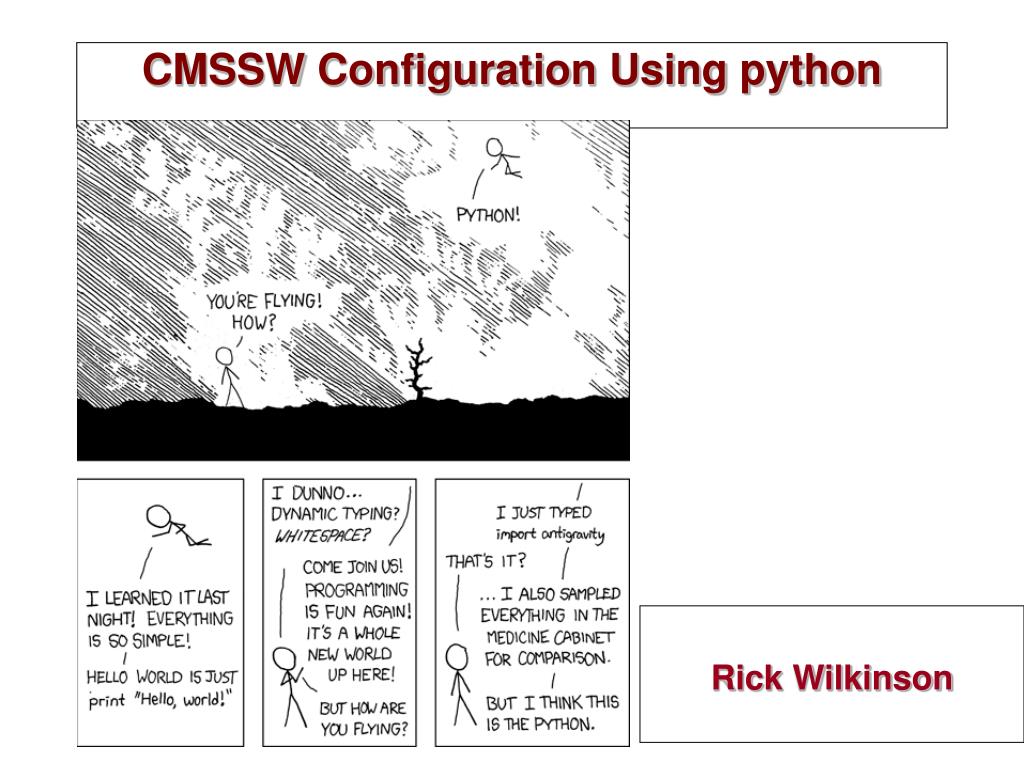
  1. CMSSW Configuration Using python Rick Wilkinson

  2. Python configurations • Your cfg, cfi, and cffs will not be supported in CMSSW_2_1_0. • They’ll be replaced by python equivalents • Most of the cfis and cffs have been translated, committed, and published to CMSSW_2_1_X • My “day job”

  3. Why python? • Nice, readable syntax • Easy to learn • Popular • Interfaces easily to C++ • Through boost::python

  4. Why change? • Job configurations are getting big and complex • Need to easily edit configurations, both by users and by scripts in GRID jobs • In old system, every “replace” functionality had to be coded by hand • Some still missing, such as random access to vectors • We’ve already had to write two systems to convert configurations to python and back.

  5. How different is the syntax? • Not very different. It’s based on the old system • process DIGI = { • hcalDigis = HcalDigiProducer { • bool doNoise = true • } • replace hcalDigis.doNoise = false • import FWCore.ParameterSet.Config as cms • process = cms.Process(“DIGI”) • process.hcalDigis = cms.EDProducer(“HcalDigiProducer”, • doNoise = cms.bool(True) • ) • process.hcalDigis.doNoise = False

  6. Sample • The process is the basic object representing the configuration. • import FWCore.ParameterSet.Config as cms • process = cms.Process(“SIM”) • # Input source • process.source = cms.Source("PoolSource", • fileNames = cms.untracked.vstring('file:gen.root') • ) • # Modules • process.load(“Configuration.StandardSequences.VtxSmearedGauss_cff”) • process.load(“SimG4Core.Application.g4SimHits_cfi”) • process.g4SimHits.UseMagneticField = False • # Output • process.load(“Configuration.EventContent.EventContent_cff”) • process.FEVT = cms.OutputModule("PoolOutputModule", • process.FEVTSIMEventContent, • fileName = cms.untracked.string('sim.root') • ) • # Execution paths • process.p1 = cms.Path(process.VtxSmeared+process.g4SimHits)

  7. Translation Tools • Tools exists that will translate your file, and automatically translate any files you include. > python FWCore/ParameterSet/python/cfg2py.py your.cfg dumps python-language output > python FWCore/ParameterSet/python/translate.py Sub/Package/data/your.cff creates a file, Sub/Package/python/your_cff.py, overwriting what was there. > python FWCore/ParameterSet/python/comments.py Sub/Package/data/your.cff transfers the comments in your cff to the appropriate cff.py

  8. Other Documentation • Wiki page: • https://twiki.cern.ch/twiki/bin/view/CMS/SWGuideAboutPythonConfigFile • Benedikt’s Tutorial: • http://indico.cern.ch/conferenceDisplay.py?confId=28445