
SlideServe
Menu
Préférences
© SlideServe · v2026

Error Code 0x80072efe

william223 avatar
1 diapositives · 31 Views · Dec 06, 2023

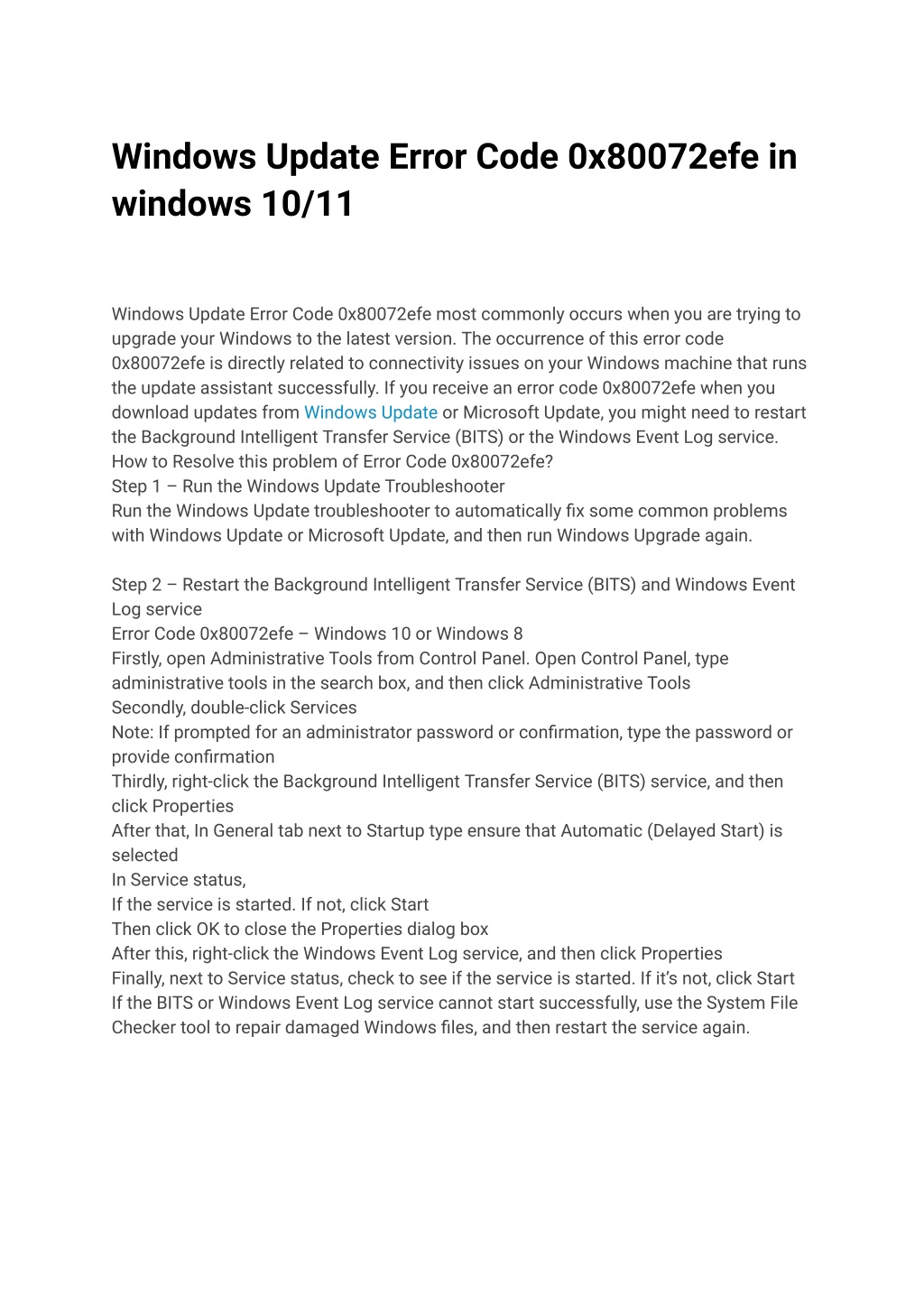
Windows Update Error Code 0x80072efe most commonly occurs when you are trying to upgrade your Windows to the latest version. The occurrence of this error code 0x80072efe is directly related to connectivity issues on your Windows machine that runs the update assistant successfully. If you receive an error code 0x80072efe when you download updates from Windows Update or Microsoft Update, you might need to restart the Background Intelligent Transfer Service (BITS) or the Windows Event Log service.
Error Code 0x80072efe - slide 1
01 / 1Error Code 0x80072efe
1 / 17

Télécharger la présentation

Error Code 0x80072efe
Une image / un lien ci-dessous est fourni (tel quel) pour télécharger la présentation

Politique de téléchargement : le contenu du site vous est fourni TEL QUEL pour votre information et votre usage personnel ; il ne peut être vendu, concédé sous licence ni partagé sur d’autres sites sans l’accord de son auteur.Le contenu vous est fourni TEL QUEL, pour votre information et votre usage personnel uniquement. Téléchargez la présentation en cliquant sur ce lien. Lors du téléchargement, si vous ne parvenez pas à télécharger une présentation, l’éditeur a peut-être supprimé le fichier de son serveur.Pendant le téléchargement, si vous ne parvenez pas à obtenir une présentation, le fichier a peut-être été supprimé par l’éditeur.

F I N

Plus de contenu associé

Transcription de la présentation
  1. Windows Update Error Code 0x80072efe in windows 10/11 Windows Update Error Code 0x80072efe most commonly occurs when you are trying to upgrade your Windows to the latest version. The occurrence of this error code 0x80072efe is directly related to connectivity issues on your Windows machine that runs the update assistant successfully. If you receive an error code 0x80072efe when you download updates from Windows Update or Microsoft Update, you might need to restart the Background Intelligent Transfer Service (BITS) or the Windows Event Log service. How to Resolve this problem of Error Code 0x80072efe? Step 1 – Run the Windows Update Troubleshooter Run the Windows Update troubleshooter to automatically fix some common problems with Windows Update or Microsoft Update, and then run Windows Upgrade again. Step 2 – Restart the Background Intelligent Transfer Service (BITS) and Windows Event Log service Error Code 0x80072efe – Windows 10 or Windows 8 Firstly, open Administrative Tools from Control Panel. Open Control Panel, type administrative tools in the search box, and then click Administrative Tools Secondly, double-click Services Note: If prompted for an administrator password or confirmation, type the password or provide confirmation Thirdly, right-click the Background Intelligent Transfer Service (BITS) service, and then click Properties After that, In General tab next to Startup type ensure that Automatic (Delayed Start) is selected In Service status, If the service is started. If not, click Start Then click OK to close the Properties dialog box After this, right-click the Windows Event Log service, and then click Properties Finally, next to Service status, check to see if the service is started. If it’s not, click Start If the BITS or Windows Event Log service cannot start successfully, use the System File Checker tool to repair damaged Windows files, and then restart the service again.