
SlideServe
Menu
Préférences
© SlideServe · v2026

Build Your Own App - A Practical Guide for Success

yvon avatar
10 diapositives · 230 Views · Jul 30, 2014

Learn how to create a successful app from scratch with essential tips on development, design, and deployment. Discover how to engage users effectively and optimize for your target audience. Get ready to turn your app idea into a reality!
Build Your Own App - A Practical Guide for Success - slide 1
01 / 10Build Your Own App - A Practical Guide for Success
1 / 17

Télécharger la présentation

Build Your Own App - A Practical Guide for Success
Une image / un lien ci-dessous est fourni (tel quel) pour télécharger la présentation

Politique de téléchargement : le contenu du site vous est fourni TEL QUEL pour votre information et votre usage personnel ; il ne peut être vendu, concédé sous licence ni partagé sur d’autres sites sans l’accord de son auteur.Le contenu vous est fourni TEL QUEL, pour votre information et votre usage personnel uniquement. Téléchargez la présentation en cliquant sur ce lien. Lors du téléchargement, si vous ne parvenez pas à télécharger une présentation, l’éditeur a peut-être supprimé le fichier de son serveur.Pendant le téléchargement, si vous ne parvenez pas à obtenir une présentation, le fichier a peut-être été supprimé par l’éditeur.

F I N

Plus de contenu associé

Transcription de la présentation
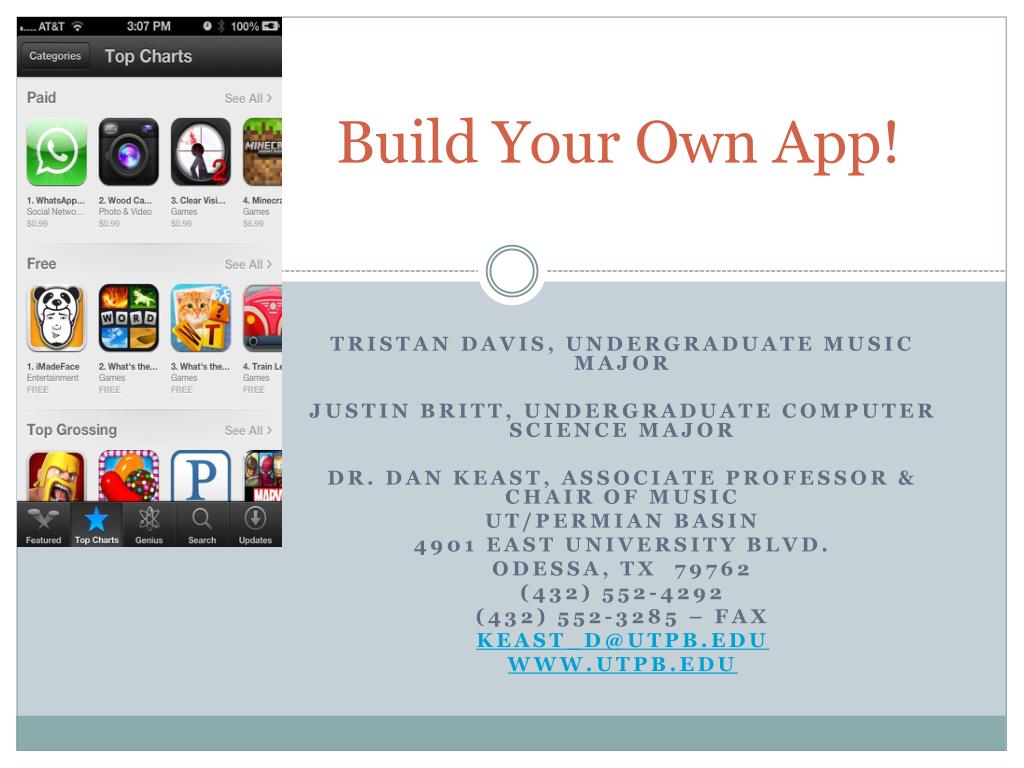
  1. Build Your Own App! Tristan Davis, undergraduate music major Justin Britt, undergraduate computer science major Dr. Dan Keast, Associate Professor & Chair of Music UT/Permian Basin 4901 East University Blvd. Odessa, TX 79762 (432) 552-4292 (432) 552-3285 – FAX Keast_d@utpb.edu www.utpb.edu

  2. Remember this oldie? http://www.youtube.com/watch?feature=player_detailpage&v=h0rY3dn5kos

  3. 3 Essential Items to Your Success! • iPad (one time purchase of $499) [Note – this item will be wiped clean for developer mode] • Mac or MacBook (one time purchase of $1200+) • Apple Developer License ($99 per year)

  4. Where to Start

  5. What Should Your App Include? The best apps are not static information delivery systems. Plan some interaction with the user – make it DO something. Give the user a reason to open and regularly use your app. Be mindful of the app’s battery drain on the end user’s device. Optimize it for your target audience: students, parents, administrators, convention attendees, etc. Promote use of the app to the target audience after deployment

  6. How to Start the Process? – PLAN! Think of your app as a storyboard – design the story and lay it out. Mark interactions and links within app, to other apps, or to your website. Create an app to help you, not add more to your existing duties. Poll your target audience – What do they want? What do they need? What is important and not important to them?

  7. Hints – Tips We Recommend Find elements of apps that you like and “Frankenstein” them Have the app completely ready before inviting students to start using it Prototype and test; Prototype and test; Prototype and test Plan a 6 month window for development and deployment of your app (if it takes less time, buy yourself a cookie)

  8. Just Show Us the Model! Our plan was to take an existing assignment for an online undergraduate music course and add a performance component by involving a fairly “dummy-proof” accompaniment. Students read about the 12-bar blues form in the textbook and are then shown this image and asked to create a similar item and upload it to the online environment.

  9. Our App (still in development) Allows students to select voicing: high, medium high, medium low, or low (to accommodate their vocal range). Doesn’t allow chords outside of the 12-bar blues progressions discussed in the textbook. When entering the lyrics in AAB form, the A is automatically copied to eliminate student error. Performs the accompaniment for the student based on their voice range and chord progression. Offers students the option to practice singing their song. One-touch recording of their performing the song with the accompaniment. Ability to email the MP3 recording to professor or save to device for upload into Blackboard.

  10. Watch for it in the iTunes Store this fall! Email me later if you want the app. It will be a free app in iTunes. Keast_d@utpb.edu Have a school district or student that should take the course? MUSI 2310.701 at www.utpb.edu Course audit is possible – take the course for fun! Senior citizens can take 6 credits yearly at UTPB for free. The course is also approved for delivery in the Texas Virtual School Network (TxVSN) There’s plenty of reasons to take it. Just do it.