Download
1 / 2
20 likes | 131 Vues
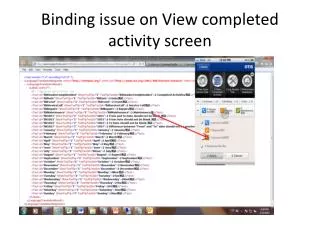
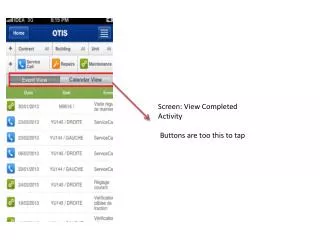
Users encounter an issue on the View Completed Activity screen where data does not adjust properly, requiring horizontal scrolling to view the complete data. This results in a suboptimal user experience. Steps to replicate the problem include logging into the mobile app with a specified account, redirecting to the View Completed Activity screen, and observing the necessity to scroll horizontally to access all data. Addressing this glitch is crucial for improving functionality and user satisfaction.

E N D
Screen: View Completed Activity Buttons are too this to tap
Description: In View Completed Activity screen data is not getting adjusted & to check the entire data user needs to scroll the screen horizontally. Steps: 1.Login to mobile app by using France user(cp.semib@wanadoo.fr1) 2.Redirect to View Completed Activity screen 3.observe the screen & scroll it horizontally to view it completely