
Uploaded by
zita
3 SLIDES
157 VUES
30LIKES
Disabled State
DESCRIPTION
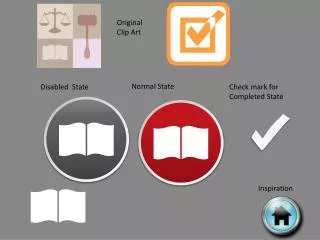
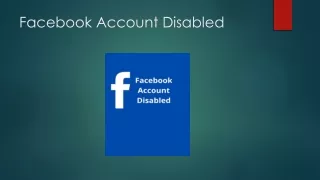
Explore the visual representation of check marks in different states: normal, disabled, and completed. This informative guide provides insights into how these states can be used effectively in Storyline projects. Understand the distinctions and see examples of each state in action, enhancing your designs and user experience. The check mark states play a critical role in indicating completion and interaction status, helping users navigate through tasks seamlessly. Get inspired by original clip art to implement in your work.
Download
1 / 3
Download Presentation

Télécharger la présentation
Disabled State
An Image/Link below is provided (as is) to download presentation
Download Policy: Content on the Website is provided to you AS IS for your information and personal use and may not be sold / licensed / shared on other websites without getting consent from its author.
Content is provided to you AS IS for your information and personal use only.
Download presentation by click this link.
While downloading, if for some reason you are not able to download a presentation, the publisher may have deleted the file from their server.
During download, if you can't get a presentation, the file might be deleted by the publisher.
E N D
Presentation Transcript
Original Clip Art Normal State Disabled State Check mark for Completed State Inspiration
Original Clip Art Disabled State Normal State








More Related

Audio
Live Player