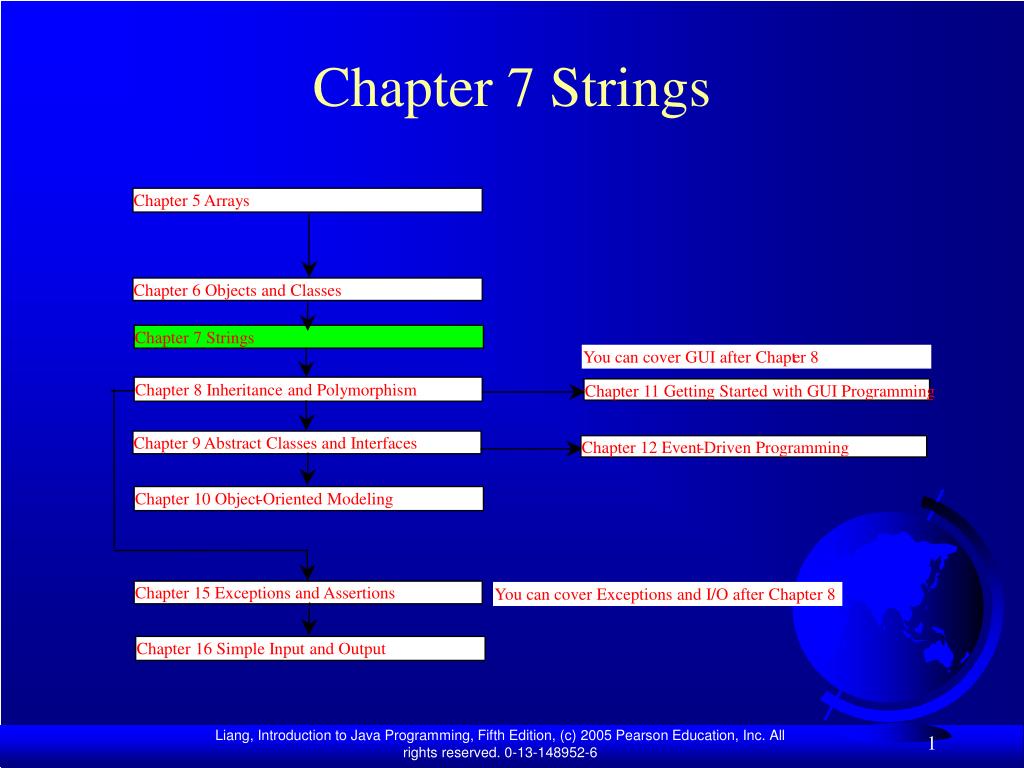
Chapter 5 Arrays Chapter 6 Objects and Classes Chapter 7 Strings You can cover GUI after Chapt er 8 Chapter 8 Inheritance and Polymorphism Chapter 11 Getting Started with GUI Programming Chapter 9 Abstract Classes and Interfaces Chapter 12 Event - Driven Programming Chapter 10 Object - Oriented Modeling Chapter 15 Exceptions and Assertions You can cover Exceptions and I/O after Chapter 8 Chapter 16 Simple Input and Output Chapter 7 Strings
Objectives • To use the String class to process fixed strings (§7.2). • To learn how to pass strings to the main method from the command line (§7.8).
The String Class • Constructing a String: • String message = "Welcome to Java“; • String message = new String("Welcome to Java“); • String s = new String(); • Obtaining String length and Retrieving Individual Characters in a string String • String Concatenation (concat) • Substrings (substring(index), substring(start, end)) • Comparisons (equals, compareTo) • String Conversions • Finding a Character or a Substring in a String • Conversions between Strings and Arrays • Converting Characters and Numeric Values to Strings
Constructing Strings String newString = new String(stringLiteral); String message = new String("Welcome to Java"); Since strings are used frequently, Java provides a shorthand initializer for creating a string: String message = "Welcome to Java";
Finding String Length Finding string length using the length() method: message = "Welcome"; message.length() (returns 7)
Retrieving Individual Characters in a String • Do not use message[0] • Use message.charAt(index) • Index starts from 0
String Concatenation String s3 = s1.concat(s2); String s3 = s1 + s2; s1 + s2 + s3 + s4 + s5 same as (((s1.concat(s2)).concat(s3)).concat(s4)).concat(s5);
Extracting Substrings String is an immutable class; its valuescannot be changed individually. String s1 = "Welcome to Java"; String s2 = s1.substring(0, 11) + "HTML";
String Comparisons • equals String s1 = new String("Welcome“); String s2 = "welcome"; if (s1.equals(s2)){ // s1 and s2 have the same contents } if (s1 == s2) { // s1 and s2 have the same reference }
String Comparisons, cont. • compareTo(Object object) String s1 = new String("Welcome“); String s2 = "welcome"; if (s1.compareTo(s2) > 0) { // s1 is greater than s2 } else if (s1.compareTo(s2) == 0) { // s1 and s2 have the same contents } else // s1 is less than s2
String Conversions The contents of a string cannot be changed once the string is created. But you can convert a string to a new string using the following methods: • toLowerCase • toUpperCase • trim • replace(oldChar, newChar)
Finding a Character or a Substring in a String "Welcome to Java".indexOf('W') returns 0. "Welcome to Java".indexOf('x') returns -1. "Welcome to Java".indexOf('o', 5) returns 9. "Welcome to Java".indexOf("come") returns 3. "Welcome to Java".indexOf("Java", 5) returns 11. "Welcome to Java".indexOf("java", 5) returns -1. "Welcome to Java".lastIndexOf('a') returns 14.
Convert Character and Numbers to Strings The String class provides several static valueOf methods for converting a character, an array of characters, and numeric values to strings. These methods have the same name valueOf with different argument types char, char[], double, long, int, and float. For example, to convert a double value to a string, use String.valueOf(5.44). The return value is string consists of characters ‘5’, ‘.’, ‘4’, and ‘4’.
Example 7.1Finding Palindromes • Objective: Checking whether a string is a palindrome: a string that reads the same forward and backward.
Command-Line Parameters class TestMain { public static void main(String[] args) { ... } } java TestMain arg0 arg1 arg2 ... argn
ProcessingCommand-Line Parameters In the main method, get the arguments from args[0], args[1], ..., args[n], which corresponds to arg0, arg1, ..., argn in the command line.
Example 7.4Using Command-Line Parameters • Objective: Write a program that will perform binary operations on integers. The program receives three parameters: an operator and two integers. java Calculator 2 + 3 java Calculator 2 - 3 java Calculator 2 / 3 java Calculator 2 “*” 3