

SlideServe
Menu
Préférences
© SlideServe · v2026

keyboard

CliffordSugermen avatar
4 diapositives · 591 Views · Feb 13, 2014

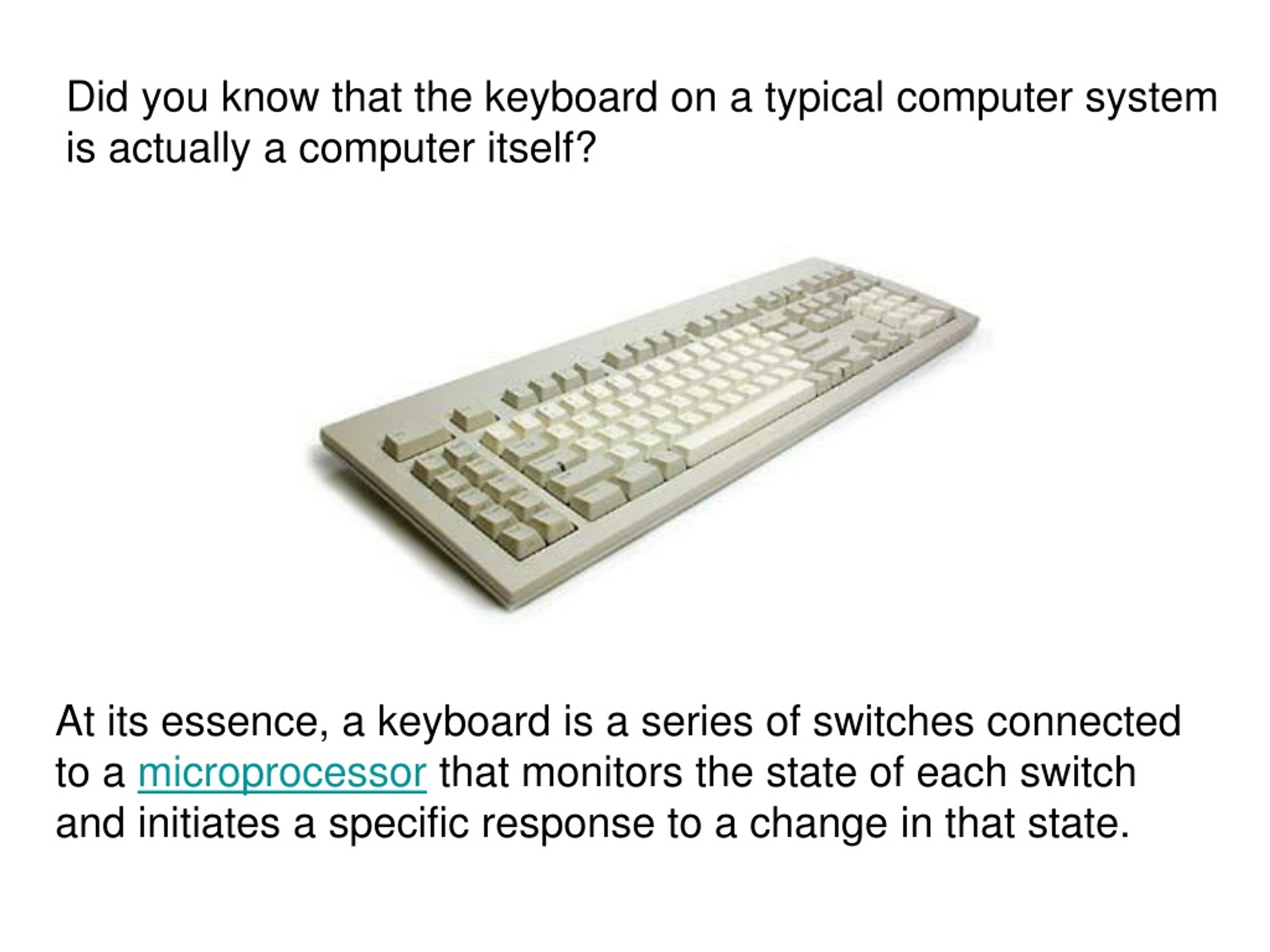
At its essence, a keyboard is a series of switches connected to a microprocessor that monitors the state of each switch and initiates a specific response to a change in that state.
keyboard - slide 1
01 / 4keyboard
1 / 17

Télécharger la présentation

keyboard
Une image / un lien ci-dessous est fourni (tel quel) pour télécharger la présentation

Politique de téléchargement : le contenu du site vous est fourni TEL QUEL pour votre information et votre usage personnel ; il ne peut être vendu, concédé sous licence ni partagé sur d’autres sites sans l’accord de son auteur.Le contenu vous est fourni TEL QUEL, pour votre information et votre usage personnel uniquement. Téléchargez la présentation en cliquant sur ce lien. Lors du téléchargement, si vous ne parvenez pas à télécharger une présentation, l’éditeur a peut-être supprimé le fichier de son serveur.Pendant le téléchargement, si vous ne parvenez pas à obtenir une présentation, le fichier a peut-être été supprimé par l’éditeur.

F I N

Plus de contenu associé

Transcription de la présentation
  1. Did you know that the keyboard on a typical computer system is actually a computer itself? At its essence, a keyboard is a series of switches connected to a microprocessor that monitors the state of each switch and initiates a specific response to a change in that state.

  2. Types of Keyboards101-key Enhanced keyboard 104-key Windows keyboard 82-key Apple standard keyboard 108-key Apple Extended keyboard Types of Keys Typing keys Numeric keypad Function keys Control keys

  3. Control keys provided cursor and screen control. Four keys arranged in an inverted T formation between the typing keys and numeric keypad allow the user to move the cursor on the display in small increments. The control keys allow the user to make large jumps in most applications. Common control keys include: Home End Insert Delete Page UP Page Down Control(Ctrl) Alternat(Alt) Escape(ESC)

  4. Inside the KeyboardThe processor in a keyboard has to understand several things that are important to the utility of the keyboard, such as: • The amount of bounce and how to filter it. • The speed at which to transmit the typematics. • Position of the key in the key matrix.