
SlideServe
Menu
Préférences
© SlideServe · v2026

How to Use a Triple-Beam Balance

Jims avatar
10 diapositives · 2.9K Views · Nov 28, 2011

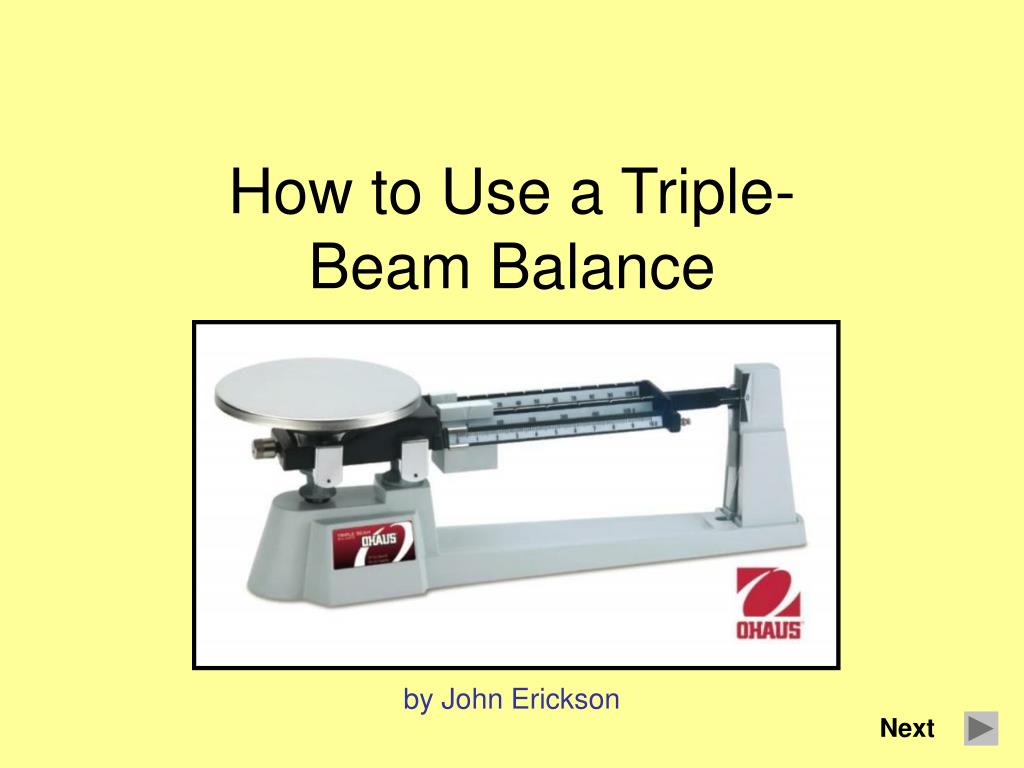
How to Use a Triple-Beam Balance. by John Erickson. Next. Balance Setup. Move all three sliders so that they read ‘zero’. Make sure that there is nothing on the pan and that it is clean. Check to see if the balance reads zero . Balance reads zero – click here.
How to Use a Triple-Beam Balance - slide 1
01 / 10How to Use a Triple-Beam Balance
1 / 17

Télécharger la présentation

How to Use a Triple-Beam Balance
Une image / un lien ci-dessous est fourni (tel quel) pour télécharger la présentation

Politique de téléchargement : le contenu du site vous est fourni TEL QUEL pour votre information et votre usage personnel ; il ne peut être vendu, concédé sous licence ni partagé sur d’autres sites sans l’accord de son auteur.Le contenu vous est fourni TEL QUEL, pour votre information et votre usage personnel uniquement. Téléchargez la présentation en cliquant sur ce lien. Lors du téléchargement, si vous ne parvenez pas à télécharger une présentation, l’éditeur a peut-être supprimé le fichier de son serveur.Pendant le téléchargement, si vous ne parvenez pas à obtenir une présentation, le fichier a peut-être été supprimé par l’éditeur.

F I N

Plus de contenu associé

Transcription de la présentation
  1. How to Use a Triple-Beam Balance by John Erickson Next

  2. Balance Setup • Move all three sliders so that they read ‘zero’. • Make sure that there is nothing on the pan and that it is clean. • Check to see if the balance reads zero. Balance reads zero – click here Balance doesn’t read zero – click here Show the parts of a balance Back

  3. Balance Setup • Your balance isn’t reading zero so you need to turn the thumbscrew to adjust the balance until it reads zero Next Show the parts of a balance Back

  4. Balance Setup • Your balance is ready to measure. Place object to be weighed on the pan. Make sure that no part of the object is supported by the table. Next Show the parts of a balance Back

  5. Moving Sliders • Move the sliders, beginning with the largest. When moving a slider causes the balance to tip, move the slider back to the previous position. • Move the next slider until it tips the balance. Place is in the previous position. • Move the final slider until the balance reads zero. Next Show the parts of a balance Back

  6. Reading Sliders • Read each of the sliders and add their weights together. The sliders indicate the mass is: 373 g Back Next

  7. Reading Sliders • When you read the last slider, notice that the smaller lines represent tenths. Back Next

  8. Reading Sliders • This measurement is past the third line following the 3 on small slider. This indicates a mass of: 373.3 g Back Next

  9. Reading Sliders • To maximize the number of digits in the measurement we estimate the last number. Since the slider is actually about halfway between 3.3 and 3.4, we record 3.35 373.35 g Back Next

  10. Parts of a Balance Zero Mark Sliders Pan Thumbscrew Back