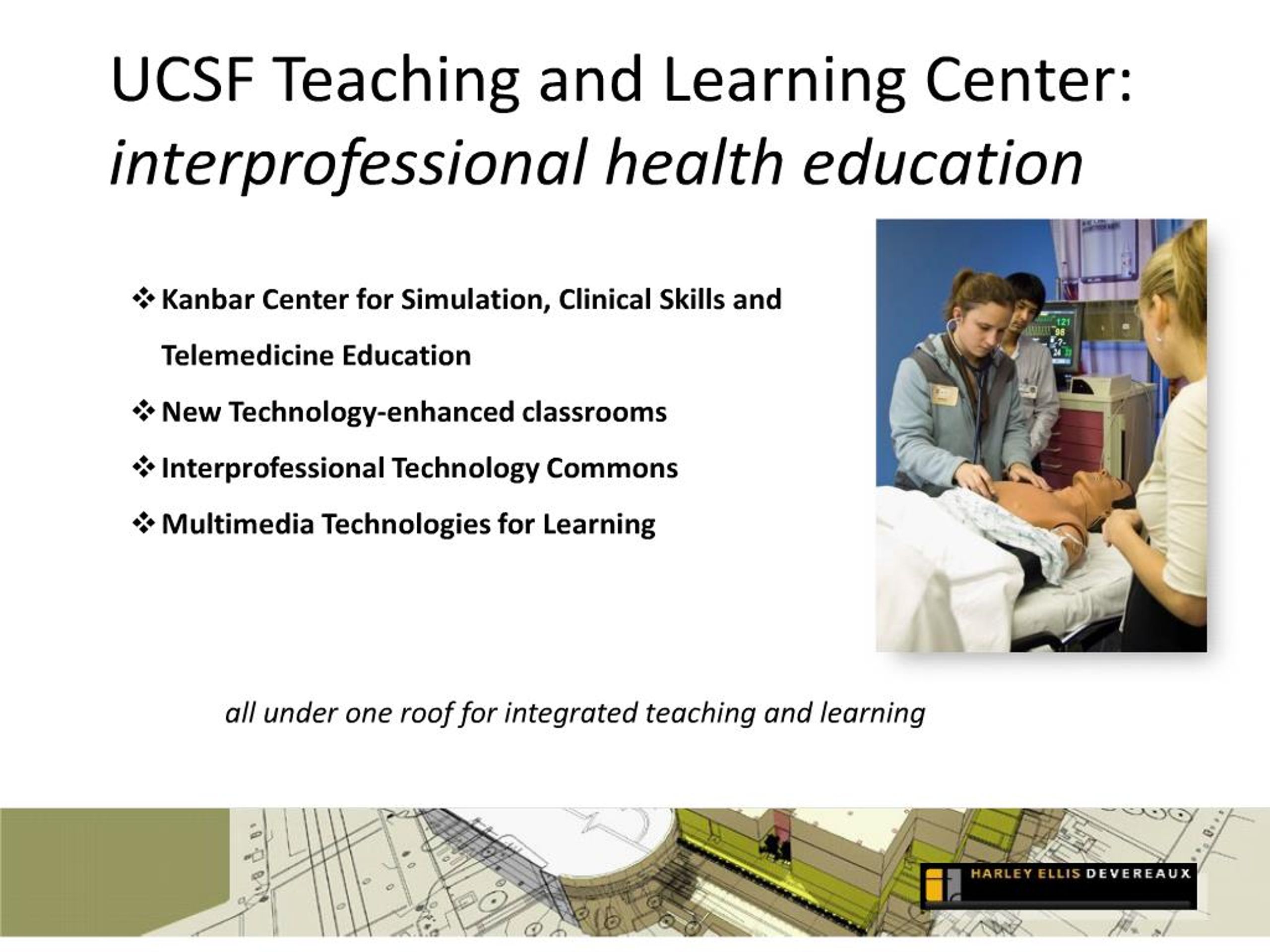
1. UCSF Teaching and Learning Center: interprofessional health education��
4. Matrix of Learning All on one floor
Flow between
Classrooms
Simulation
Clinical Skills
Media Development
Student Spaces
5. Broadcast Studio Model Grid Ceiling
Camera, light and microphone placement snaps to grid
HD video and audio systems
6. Clinical Skills & Simulation The Kanbar Center for Simulation and Clinical Skills Education will offer specialized training environments that support teaching and practice of essential diagnostic and care delivery skills.
8. Office of Educational Technology�UCSF School of Medicine Clinical Skills Exam rooms open to double size
Can serve as additional part-task space
Clinical Skills – Simulation proximity facilitates hybrid scenarios
11. Ward/Operating Suite 4 beds, or 1 Operating table
Video/audio recording
Viewing/ Debrief Room
16. B-Line Medical Software Solutions Audio/video capture of clinical skills/simulation activities
Centralize, back-up and protect data
Drag-and-drop checklist builder
Exam room scheduling
Rapid and flexible exam setup
Real-time exam scoring
Schedule simulation activities
Generate usage and aggregate reports
100% web-based
17. Full Body Simulators Interactive manikin with feedback
Control physiological parameters that change over time
Generate automatic debriefing, based on the event log synchronized with video pictures
Simulation of relevant airway management and chest tube insertions scenarios
Birthing scenarios
18. Task Simulators Injection and IV arms
Arterial puncture
Intubation heads
Infant simulators
Breast exam models
Lumbar puncture
Spinal injection
19. Classrooms 11 classrooms
4 larger telemedicine training rooms
7 seminar rooms (telemedicine breakout rooms)
Multiple Projection/presentation screens
Movable/flexible group seating
Support for team-based learning
20. Large Classrooms Four 24 student classrooms (22’ x 22’), which can expand to two 48 student classrooms (44’ x 44’)
Capable of being receive site for training sessions being held in simulation center
21. Breakout rooms Six 10 student classrooms (17’ x 17’), which can expand to three 20 student classrooms (34’ x 34’)
AV equipment per room
52” LCD flat panel
Ceiling mounted loud speakers
Wall-mounted AV control panel
23. Technology Commons Student computing facilities and classroom
Flexible, movable furniture
Multimedia workstations for rich media development
Face-to-face service
24. Multimedia Development Pods 6 multimedia workstations equipped with tools to create media-rich course content
Multi-purpose Media Room
AV editing suite
Presentation practice room
Digital Video equipment loans
25. Computer Classroom 20 workstations (expands to 40)
Movable walls; student computing space when not scheduled
Scheduled through Library but visible on Registrar’s classroom schedule
No cost for curricular use
26. Visit the TLC http://tlc.ucsf.edu/