
SlideServe
Menu
Préférences
© SlideServe · v2026

Difference Between Canon Inkjet And Laser Printer ?

SmithWarner avatar
8 diapositives · 293 Views · Jan 25, 2017

Canon has a wide range of printers for the personal and professional usage. The company manufactures both laser and inkjet printers, which are completely different technology. These Canon PIXMA printers have included overlapping capabilities; either you want to print a letter, an image or a label.
Difference Between Canon Inkjet And Laser Printer ? - slide 1
01 / 8Difference Between Canon Inkjet And Laser Printer ?
1 / 17

Télécharger la présentation

Difference Between Canon Inkjet And Laser Printer ?
Une image / un lien ci-dessous est fourni (tel quel) pour télécharger la présentation

Politique de téléchargement : le contenu du site vous est fourni TEL QUEL pour votre information et votre usage personnel ; il ne peut être vendu, concédé sous licence ni partagé sur d’autres sites sans l’accord de son auteur.Le contenu vous est fourni TEL QUEL, pour votre information et votre usage personnel uniquement. Téléchargez la présentation en cliquant sur ce lien. Lors du téléchargement, si vous ne parvenez pas à télécharger une présentation, l’éditeur a peut-être supprimé le fichier de son serveur.Pendant le téléchargement, si vous ne parvenez pas à obtenir une présentation, le fichier a peut-être été supprimé par l’éditeur.

F I N

Plus de contenu associé

Transcription de la présentation
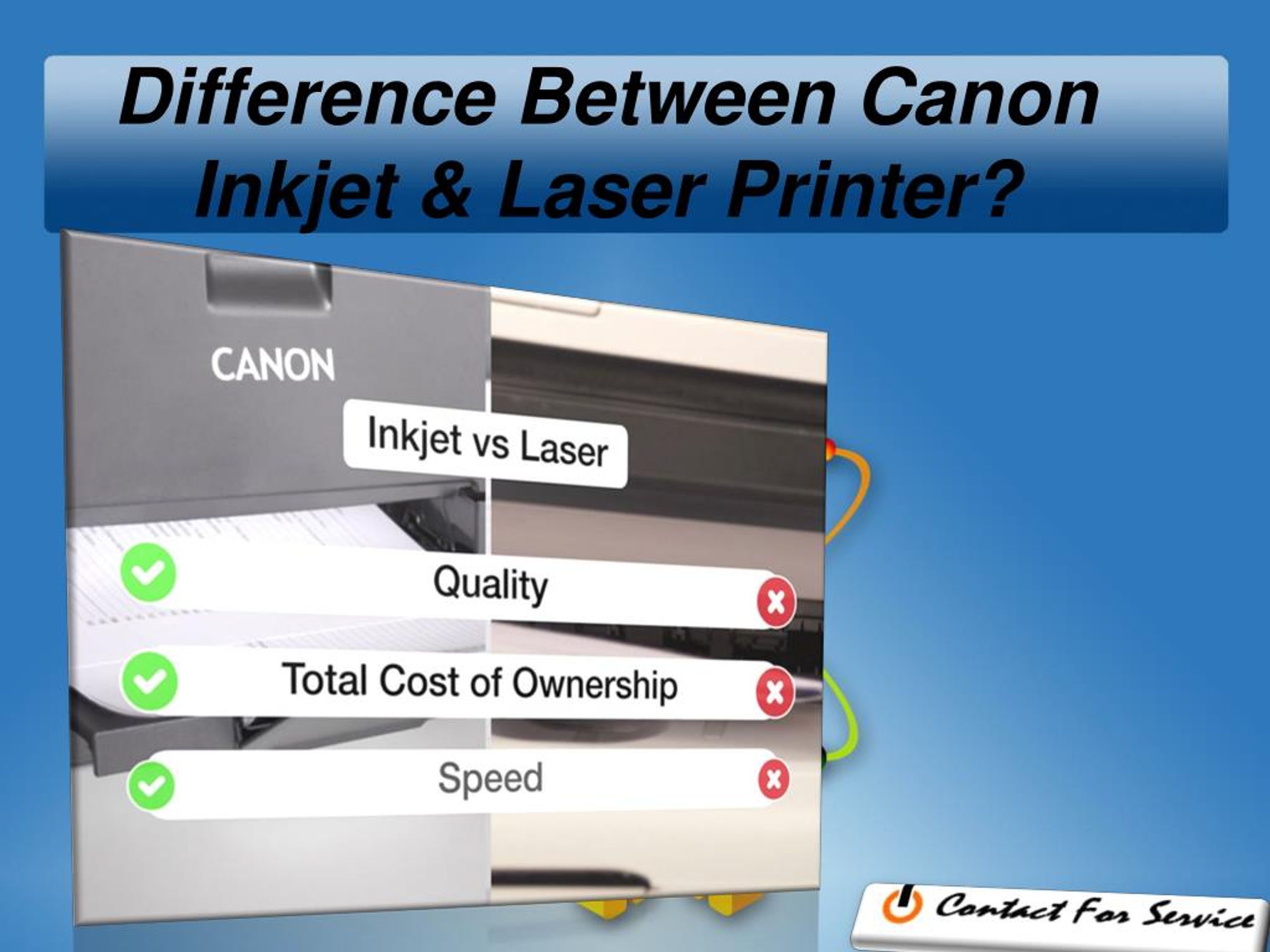
  1. Difference Between Canon Inkjet & Laser Printer?

  2. Canon PIXMA Printers These Canon PIXMA Printers have included overlapping capabilities; either you want to print a letter, an image or a label. Though each technology has different strengths and weaknesses, but appropriate for meeting several printing requirements.

  3. Canon’s laser printers are often faster than the inkjet printers Speed • The PIXMA MX922 office-oriented inkjet multifunctional printer can print per minute 15 pages of black and white output and 10 pages in color. • Canon Image Class D530 laser multifunction printer can print 26 single-sided pages per minute with Black and white output, almost double the PIXMA speed.

  4. Color The laser printer is the best option if you just want a black and white printer since the company doesn’t make black and white Inkjets. They offer both color laser and inkjet options with four different colors, including cyan, black, magenta and yellow. So, if you want the best quality color, Canon's professional photo printers provide more than 12 different tanks of color based ink.

  5. Canon’s Permanence • Canon laser printers operate by smelting the dry ink/toner spots onto the paper. Thus, it makes their printouts more stable and long-lasting. • Canon inkjet printers work with the dye-based toner that can fade or smear but provides the best image quality. Some business-oriented inkjet printers use a pigment black ink that lets you printer stable and long-lasting black and white documents just like an output of a laser printer.

  6. Image Quality • While using the particular inkjet paper, there are almost no dissimilarities between Canon Laser and Inkjet printers. Though, the Canon laser printer prints crunchier text and pictures on a traditional black and white paper. • If the crisp text is necessary for you, then purchase a laser printer. • Canon Inkjet printer is best for printing intense colors and photographs.

  7. Canon Customer Support The company also offers excellent customer services for both laser and Inkjet printers. So, whenever you have any queries or issues regarding your Canon-brand printer, it’s suggested to call at the Canon Printer tech support number