

SlideServe
Menu
Préférences
© SlideServe · v2026

GPS Map Camera

Tanjeeb avatar
4 diapositives · 114 Views · Apr 29, 2020

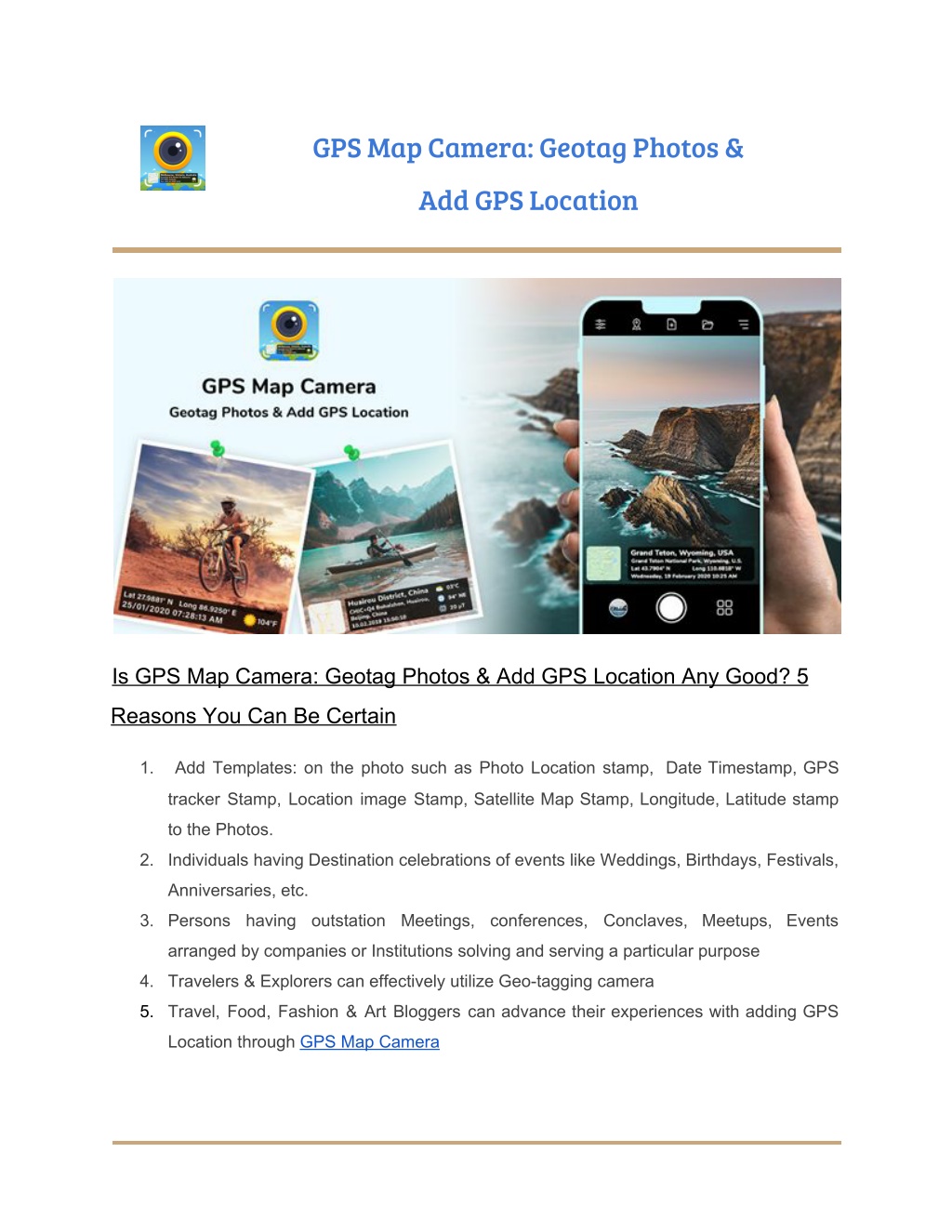
Whether It\u2019s your travel memories or your Visit at a particular place, with GPS Map camera stamp application, add Datetime, Map, Latitude, Longitude, Altitude, Weather, Magnetic field, Compass to Your Camera Photos.
GPS Map Camera - slide 1
01 / 4GPS Map Camera
1 / 17

Télécharger la présentation

GPS Map Camera
Une image / un lien ci-dessous est fourni (tel quel) pour télécharger la présentation

Politique de téléchargement : le contenu du site vous est fourni TEL QUEL pour votre information et votre usage personnel ; il ne peut être vendu, concédé sous licence ni partagé sur d’autres sites sans l’accord de son auteur.Le contenu vous est fourni TEL QUEL, pour votre information et votre usage personnel uniquement. Téléchargez la présentation en cliquant sur ce lien. Lors du téléchargement, si vous ne parvenez pas à télécharger une présentation, l’éditeur a peut-être supprimé le fichier de son serveur.Pendant le téléchargement, si vous ne parvenez pas à obtenir une présentation, le fichier a peut-être été supprimé par l’éditeur.

F I N

Plus de contenu associé

Transcription de la présentation
  1.   GPS Map Camera: Geotag Photos &    Add GPS Location      Is GPS Map Camera: Geotag Photos & Add GPS Location Any Good? 5 Reasons You Can Be Certain 1. Add Templates: on the photo such as Photo Location stamp, Date Timestamp, GPS tracker Stamp, Location image Stamp, Satellite Map Stamp, Longitude, Latitude stamp to the Photos. 2. Individuals having Destination celebrations of events like Weddings, Birthdays, Festivals, Anniversaries, etc. 3. Persons having outstation Meetings, conferences, Conclaves, Meetups, Events arranged by companies or Institutions solving and serving a particular purpose 4. Travelers & Explorers can effectively utilize Geo-tagging camera 5. Travel, Food, Fashion & Art Bloggers can advance their experiences with adding GPS Location through ​ GPS Map Camera    

  2.     Camera apps are continuously growing. With the thousands of camera apps you have a lot of options. While scrolling back the photo album on the phone, do you remember all the places where they were clicked? Not really! Well now you can with the use of ​ GPS Map camera ​ stamp application in phone and whenever you click the pictures you will have the location on it, so there is absolutely no way of forgetting the place of where it was clicked. When was the last time you stopped and talked to someone to tell you where are you? Probably, that would be a long time back. With this navigation app GPS Map camera: ​ Geotag Photos & add GPS Location, on a smartphone, you can survive even in the middle of nowhere, and can get to know the location where exactly you are located by just clicking a picture. Hence application will stamp the Google map location, address, date-time, temperature, latitude, longitude on your photo, you also get the flexibility of stamps you want to use in your photo, you can choose any stamp you want on your photo while clicking a picture. you take a picture, this   2 

  3.     If you want to tune the location, you can even do a manual setup. app supports latitude and longitude. This application is easy to set up GPS location and GPS coordinates for GPS Tag requests. Geotagging is the way toward adding land directions to a photo. Geotags provide important information that allows the location of an image to be spotted on the globe. It also helps to get the useful information to navigate back to a location or to provide details about where a photo was captured. Why to have GPS Map Camera Application in Your Smartphone ❖ To Add Satellite Map Stamp on Photos ❖ To Add GPS Map Location Stamp to Photos ❖ To Add Geotag Stamp on photos ❖ To Add Photo Location stamp ❖ To Add Date Timestamp ❖ To Add Longitude, Latitude, Address, Date-Time, Location stamp to Photos ❖ To Check GPS tracker Stamp on Photos ❖ To Get a Location image Stamp. For experiencing such Interesting Features download ​ GPS Map Camera: Geotag Photos & Add GPS Location​ Application Right now in your Smartphon​ e.   3 

  4.     Download the app from here, Click below to know more about us :             4