
SlideServe
Menu
Préférences
© SlideServe · v2026

Understanding Computer Systems: Structure, Components, and Data Flow

aiden avatar
8 diapositives · 238 Views · Jul 10, 2014

This guide explores the fundamentals of computer systems, defining what constitutes a computer system as a complete and functional unit. It categorizes computer systems into personal computers, servers, dedicated systems, and embedded systems. The guide also outlines the data flow in a common PC, detailing the interactions between input devices, the CPU, main memory, storage, and output devices. Through tasks like creating data flow diagrams, learners can visualize how data is processed and stored, enhancing their understanding of computer operations.
Understanding Computer Systems: Structure, Components, and Data Flow - slide 1
01 / 8Understanding Computer Systems: Structure, Components, and Data Flow
1 / 17

Télécharger la présentation

Understanding Computer Systems: Structure, Components, and Data Flow
Une image / un lien ci-dessous est fourni (tel quel) pour télécharger la présentation

Politique de téléchargement : le contenu du site vous est fourni TEL QUEL pour votre information et votre usage personnel ; il ne peut être vendu, concédé sous licence ni partagé sur d’autres sites sans l’accord de son auteur.Le contenu vous est fourni TEL QUEL, pour votre information et votre usage personnel uniquement. Téléchargez la présentation en cliquant sur ce lien. Lors du téléchargement, si vous ne parvenez pas à télécharger une présentation, l’éditeur a peut-être supprimé le fichier de son serveur.Pendant le téléchargement, si vous ne parvenez pas à obtenir une présentation, le fichier a peut-être été supprimé par l’éditeur.

F I N

Plus de contenu associé

Transcription de la présentation
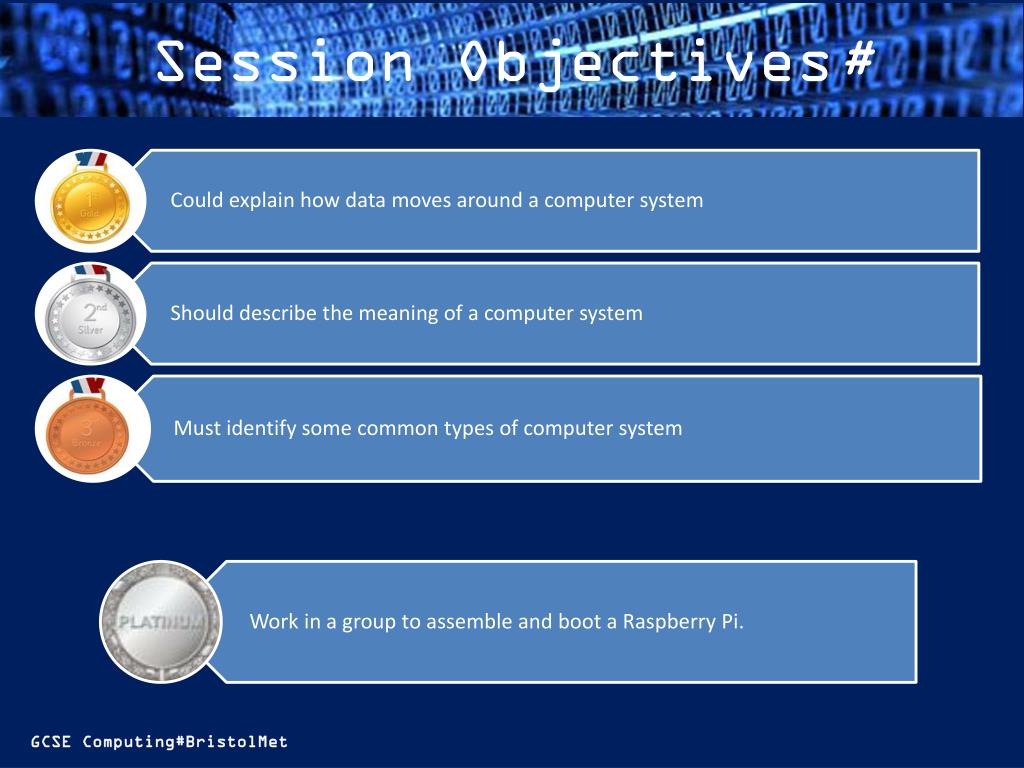
  1. Session Objectives#

  2. What are computer systems? TASK 1: List as many computer systems that you can think of (2 mins) Define what it is meant by the term ‘computer system’: A complete, working computer. Computer systems will include the computer along with any software and peripheral devices that are necessary to make the computer function. Every computer system, for example, requires an operating system. (http://www.webopedia.com/TERM/C/computer_system.html) 9/9/12 Basically it can be any device that has a processor or ‘chip’ in it and turns a given input(s) into a desired output(s).

  3. 2.1.1 Fundamentals of computer systems Computer systems can be put into 3 categories: Personal Computer – designed for one person to use at a time i.e desktop, laptop, smartphone etc. These are general purpose systems as they can perform many functions. Servers – Powerful computers which are used to control networks and share resources. Dedicated systems – systems which are designed for one purpose i.e an engine management system in a car which detects faults. Embedded systems –An embedded computer is a single chip that contains all the elements of a computer i.e input, output, RAM, ROM, CPU etc. They are hidden inside other machines, such as televisions, washing machines etc.

  4. Fundamentals of computer systems TASK 2: Create a table using the headings and sort your list

  5. Data Flow Diagram of a common PC TASK 3: Arrange the component blocks and arrows to represent the flow of data around a computer system Output Device e.g monitor Storage e.g hard disk Processor (CPU) Input Device e.g keyboard Main memory (RAM)

  6. Data Flow Diagram Explained TASK 4: Join together the sentences which explain how data flows around a computer system when in operation. 1. Programs and other files are stored on the data to output devices 2. The processor loads up a software application by copying it from the data in main memory 3. New data is entered into the hard disk storage when instructed to do so 4. The processor stores the 5. The processor sends processor via input devices 6. The processor saves data to the hard disk storage hard disk into main memory

  7. Data Flow Diagram of a common PC Arrange the component blocks and arrows to represent the flow of data around a computer system Input Device e.g keyboard Output Device e.g monitor Processor (CPU) Storage e.g hard disk Main memory (RAM)

  8. Data Flow Diagram Explained Join together the sentences which explain how data flows around a computer system when in operation. 1. Programs and other files are stored on the hard disk storage 2. The processor loads up a software application by copying it from the hard disk into main memory 3. New data is entered into the processor via input devices 4. The processor stores the data in main memory 5. The processor sends data to output devices 6. The processor saves data to the hard disk storage when instructed to do so