Improving PowerPoint Presentations: Key Tips for Clarity
Bad PowerPoint presentations often overwhelm with excessive text, making it hard for the audience to grasp key points. To enhance clarity, limit the number of words on each slide and focus on visual elements. Avoid poor color combinations, such as yellow on white, which are difficult to read. Additionally, use an appropriate font size to ensure readability. By following these guidelines, you can create more engaging and effective presentations that capture your audience’s attention and convey your message clearly.

Improving PowerPoint Presentations: Key Tips for Clarity
E N D
Presentation Transcript
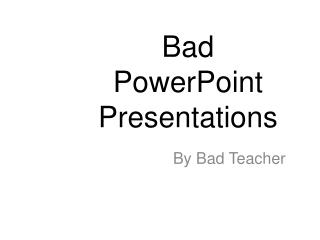
Bad PowerPoint Presentations By Bad Teacher
In a powerpoint presentation it is a ged idea to useonly a few words becus if you use many, many, many words, the audience may not get your keay point and it will be hard to read. Also I don’t like lots of words in apowerpoint. Because wehen there are too many words it is confusing and doesn’t look good.