Maximizing Clickers for Student Engagement in Education
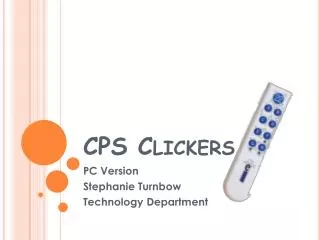
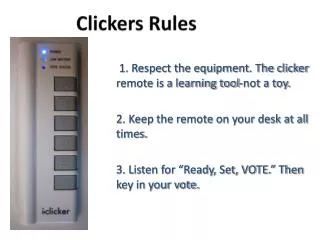
Clickers can be used for tests, quizzes, polling, reviewing class material, interacting with students, obtaining instant results, and recording marks with easy setup. This presentation explains the anatomy of a Clicker and provides step-by-step instructions for utilizing Clickers effectively.

Maximizing Clickers for Student Engagement in Education
E N D
Presentation Transcript
Clickers By: Sahana Sellathurai and Jessica Luong
What can Clickers be used for? • Tests and quizzes • Polling • Reviewing class material • Interacting students • Seeing instant results • Recording marks
Setup of Clickers • Smartboard NOT needed • SMART Response software • SMART Notebook software • Plug receiver into USB port
Thank you • This presentation is now finished. • Please refer to the YouTube links to see the step-by-step instructions. • Click on the words.
Links – Creating And Starting A Class • Creating A Class • Starting A Class • Adding Students to Class
Links – Creating and Starting An Assessment • Creating a title page • Question Type: Multiple Choice • Question Type : Text Input • Display Options • Starting the Assessment