Comprehensive Guide to Using I-Clickers for Effective Classroom Engagement
This guide provides essential rules and instructions for using I-Clickers, a valuable learning tool designed to enhance classroom interaction. Respect the equipment by keeping the remote on your desk and using it only as intended. Learn to turn on the clicker, cast your vote during questions after hearing "Ready, Set, VOTE!" and check the Vote Status light for confirmation. With these guidelines, gain confidence in engaging with questions related to cartoons, favorite foods, and history. Maximize your learning experience with seamless I-Clicker usage.

Comprehensive Guide to Using I-Clickers for Effective Classroom Engagement
E N D
Presentation Transcript
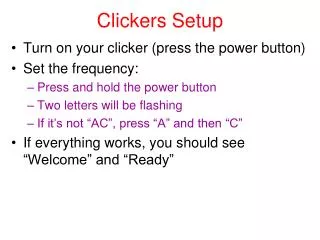
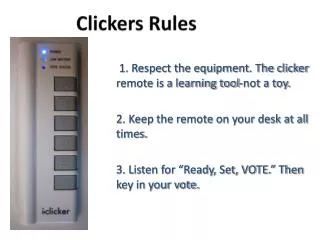
Clickers Rules 1. Respect the equipment. The clicker remote is a learning tool-not a toy. 2. Keep the remote on your desk at all times. 3. Listen for “Ready, Set, VOTE.” Then key in your vote.
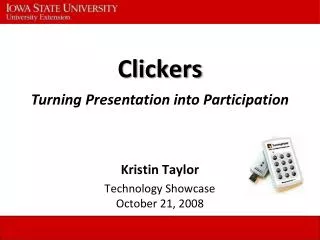
How to Use the I-Clickers Turn on the clicker by pressing the bottom “on/off” button. A blue “power” light will appear at the top of the remote.
How Do You Vote? When I ask a question (and start the timer), you will select A,B,C, D, or E as your vote after I say Ready, Set, VOTE!
How Do You Know Your Vote Was Received? Check your “Vote Status” Light: • Green light = your vote was sent AND received. • Red flashing light = you need to vote again. Not sure you saw the light?Just vote again. Want to change your vote? You can vote again as long as the timer is still going.
Who is this cartoon character? • Scooby Do • Daffy Duck • Bugs Bunny • Sponge Bob Square Pants • Homer Simpson
What is your favorite school lunch? • Hot Dog • Pizza • Hamburger • Chicken Nuggets • Peanut Butter and Jelly Sandwich
Who is this American President? • George Washington • Barack Obama • Abraham Lincoln • George W. Bush • John F. Kennedy